Split into Layers
Split into Layers: every object, on its own layer.
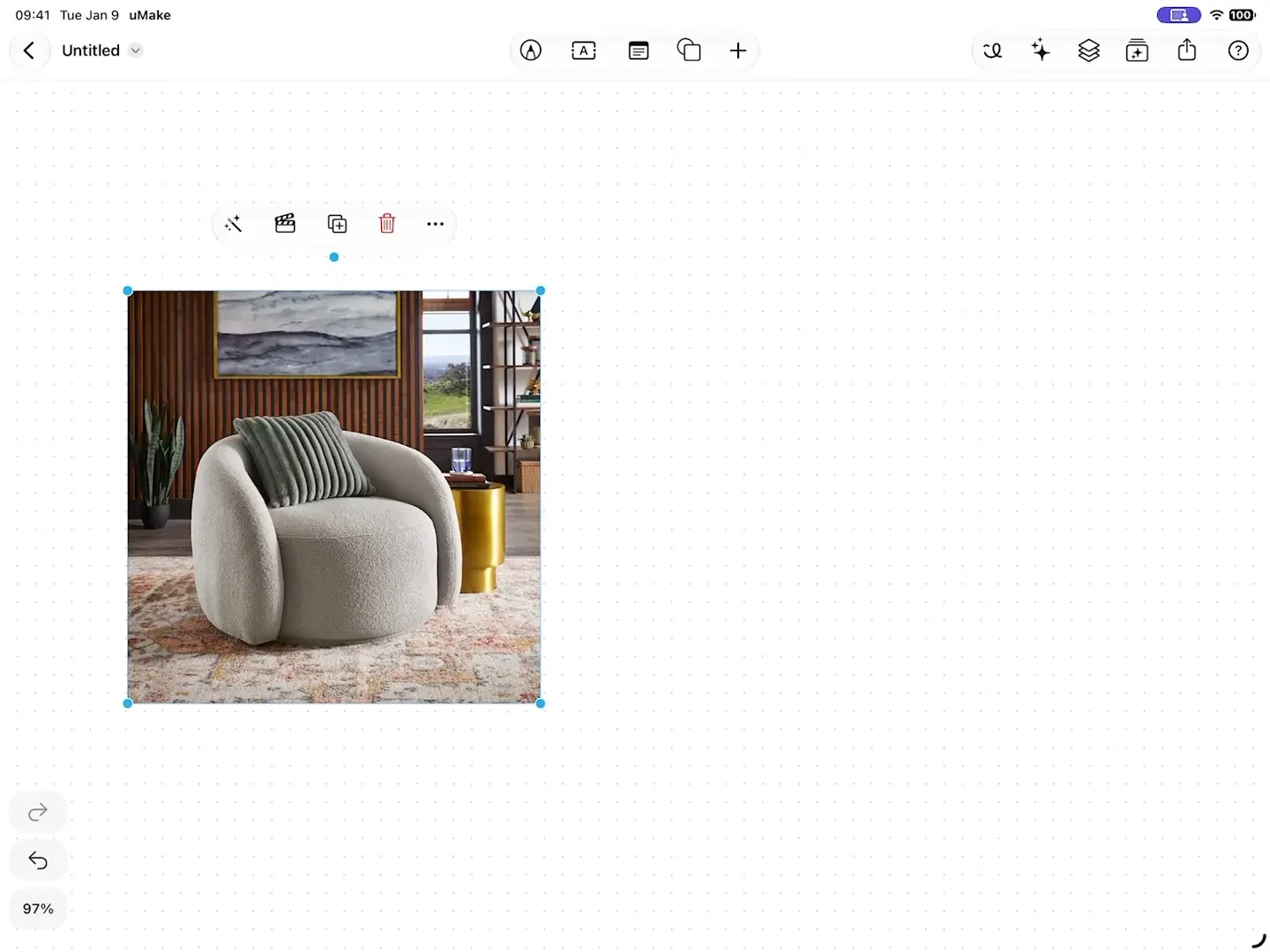
Split into Layers finds the objects in a photo and cuts each onto a layer of its own, so you can move, hide or rearrange them. Make Whole redraws a partly hidden object in full.
What it does
What Split into Layers does.
- Finds the objects in a photo and cuts each onto its own layer
- Make Whole redraws a partly hidden object in full
- Move, hide, lock or rearrange the results like any layer
- Can find a photo’s main subject on your device, offline
How to use it
Step by step.
From the app’s own help, with steps for Apple Pencil and a keyboard there too.
- Tap a part to leave it out or bring it back, then tap Add — each part lands on a layer of its own.
- Select a photo and choose More › Split into Layers…, or choose Split into Layers in AI Tools or in Image Tools. The photo on the board becomes the preview.
- Objects finds each object — free, with a daily limit. Subject cuts out the main subject on this device, free and offline.
- Tap an object on the photo, or the circle by its name in the list, to leave it out or bring it back. Tap a name to see which object it is.
- Missing something? With Objects, tap Draw Around It, then drag a box around it in the photo to cut it out as another part.
- Under Background, Keep leaves the photo under the parts, and Hide shows only the parts.
What you need
What it takes.
- Finding objects
- Free
- Within a daily limit
- Where
- A Space
- Select a photo, then the AI Tools panel
Does Split into Layers work offline?
It can find the main subject of a photo on your device, offline. Other AI tools need a connection.
What does Make Whole do?
It redraws an object that was partly hidden in the photo, so the layer holds the whole object.
Is it free?
Finding the objects in a photo is free, within a daily limit. The other AI tools in Spaces run on AI credits; see pricing.
Where do the layers go?
Onto the Space, as ordinary layers you can name, hide, lock, fade, group and move.
Keep exploring
More uMake.
Try it in uMake.
uMake for iPad, iPhone and Mac