
Interior designers
Help clients see the room before it’s built
Bring the mood board, the furniture and the finishes together, show your client a few directions, and let them walk around it in AR, in their own room.
uMake
3D CAD Modeling, Design
Free · In-app purchases
uMake · For designers and architects
uMake is a design app for iPad, iPhone and Mac. Sketch an idea, build it in precise 3D, and use AI to render it, try new materials and set it in a scene, all on one board.
Free to download, with in-app purchases.
4.3 out of 5 stars, average · more than 19,000 ratings worldwide
Who it’s for
Interior, product and fashion designers and architects all use uMake, each in their own way.
Interior designers
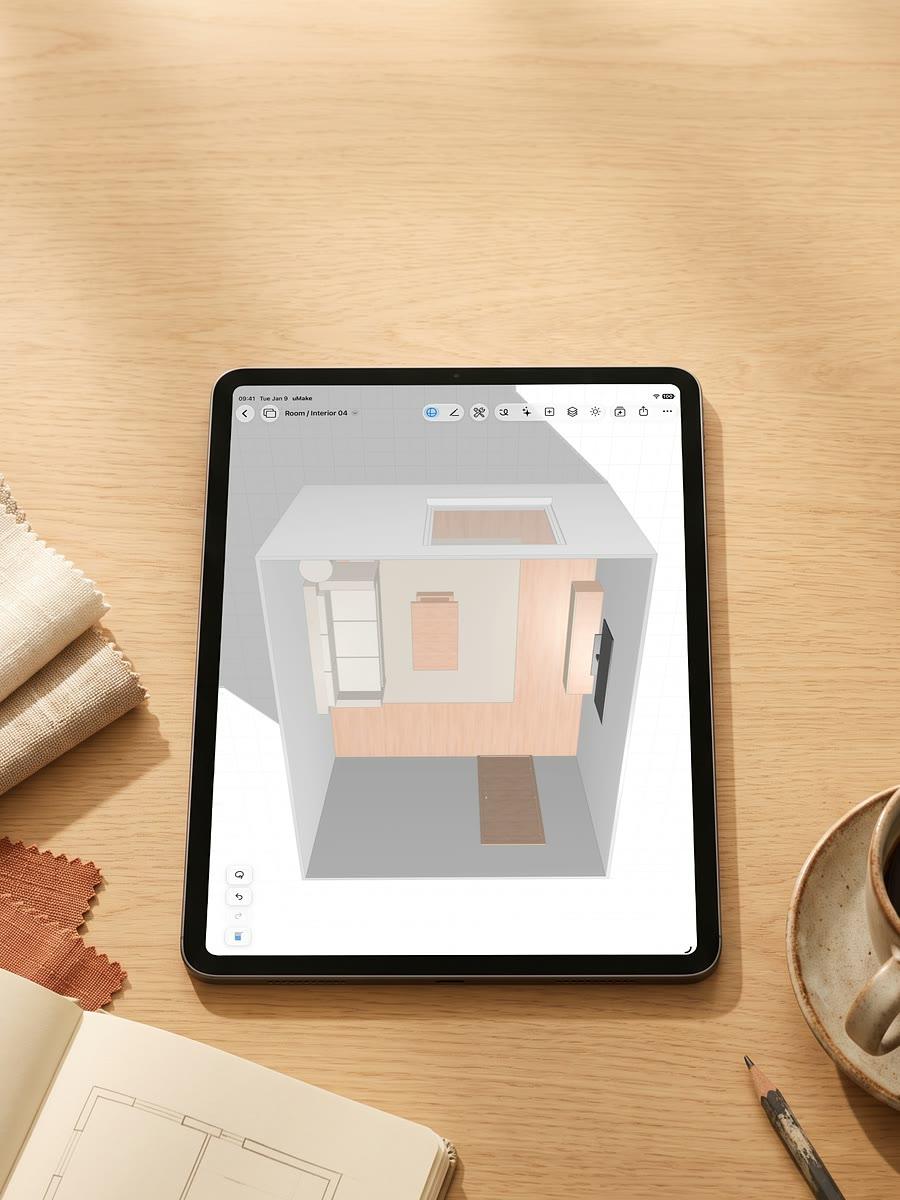
Bring the mood board, the furniture and the finishes together, show your client a few directions, and let them walk around it in AR, in their own room.
Architects
Rough out the massing, watch the light move across it through the day, and bring a photoreal view of it to the crit.

Product designers
Sketch the idea with Apple Pencil, shape it into precise surfaces, try colors and finishes on it, and export it for your 3D printer.

Fashion designers
Model the shoe, bag or ring you have in mind to the millimeter, then see it in new leathers, colors and finishes before anything is cut.
Updated with the app
The same cards as the What’s New row on the app’s Home screen.
Tutorial
Your first 3D design
Tutorial
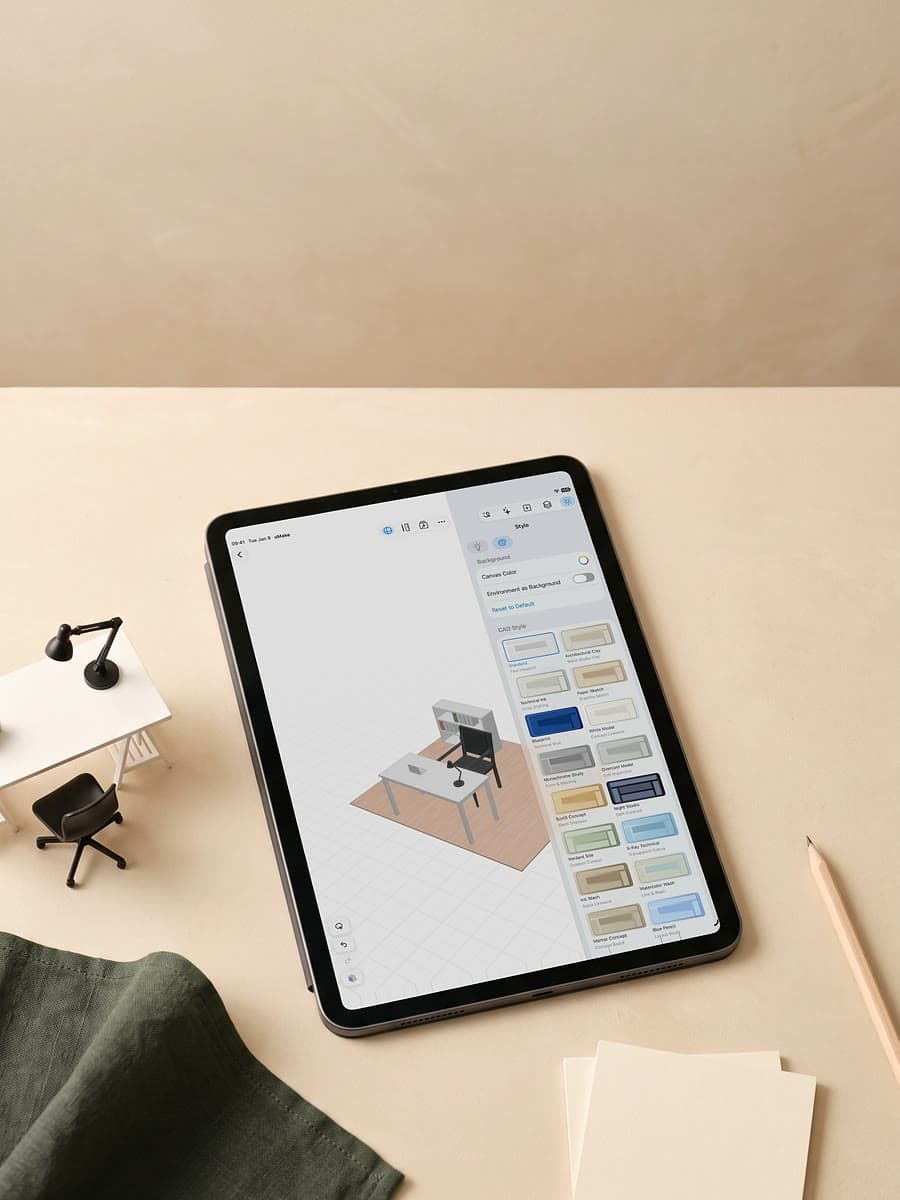
Views, panels and tools
Tutorial
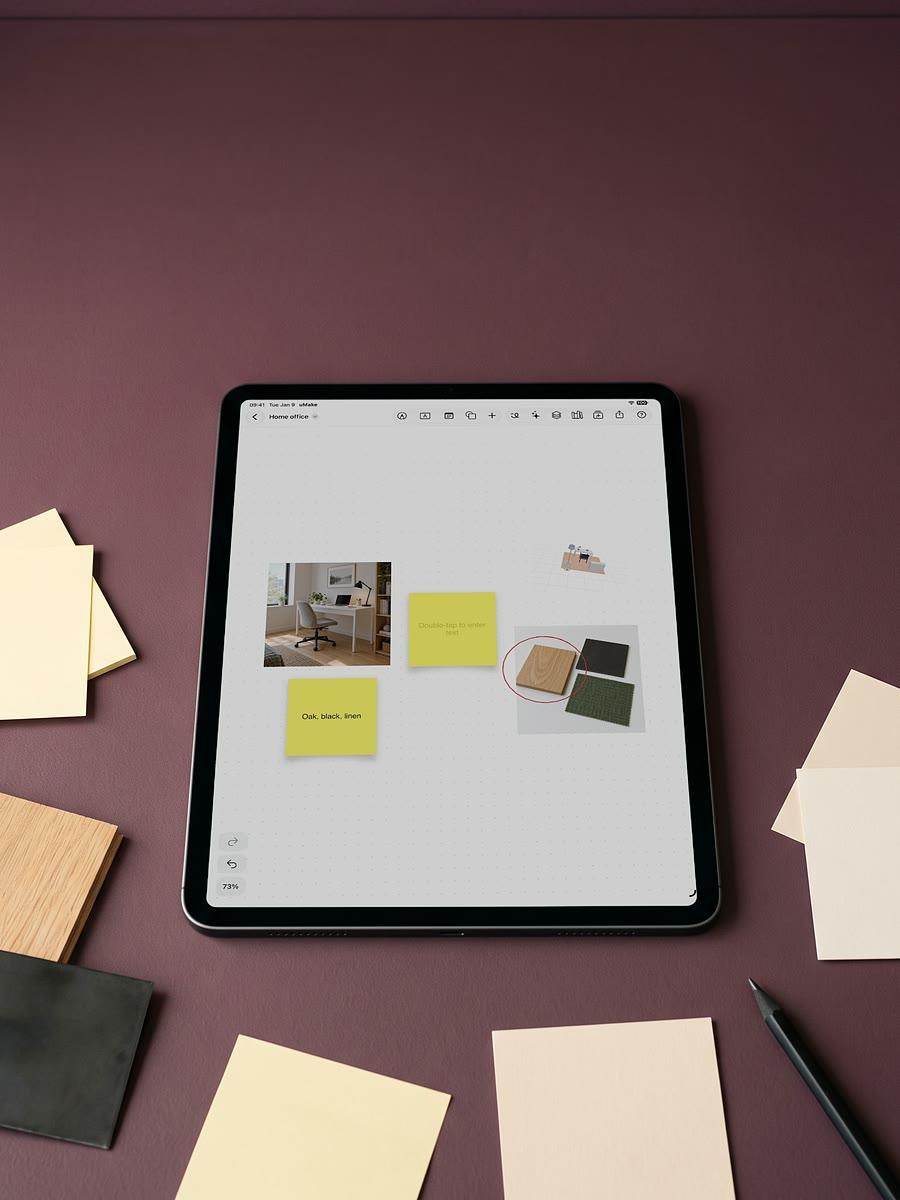
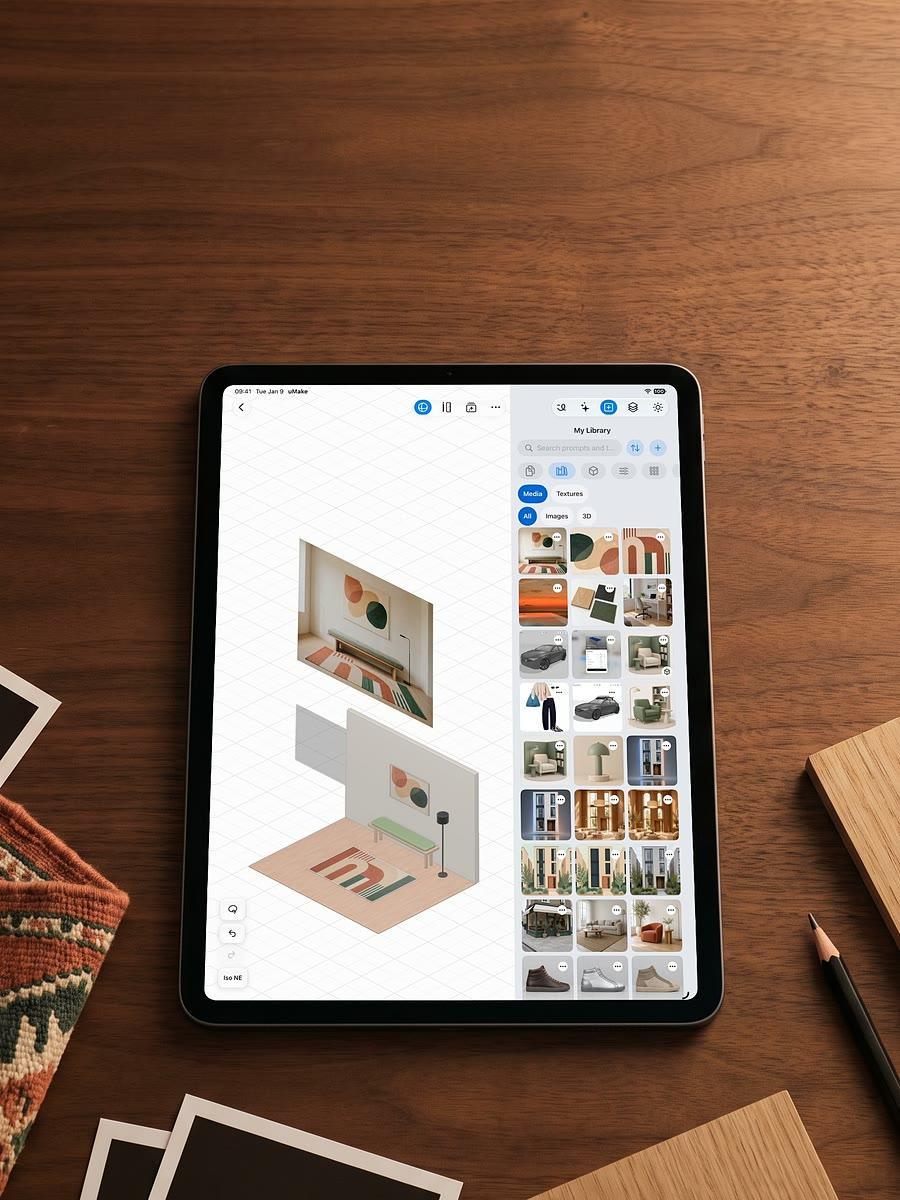
One board for the whole project
Tutorial
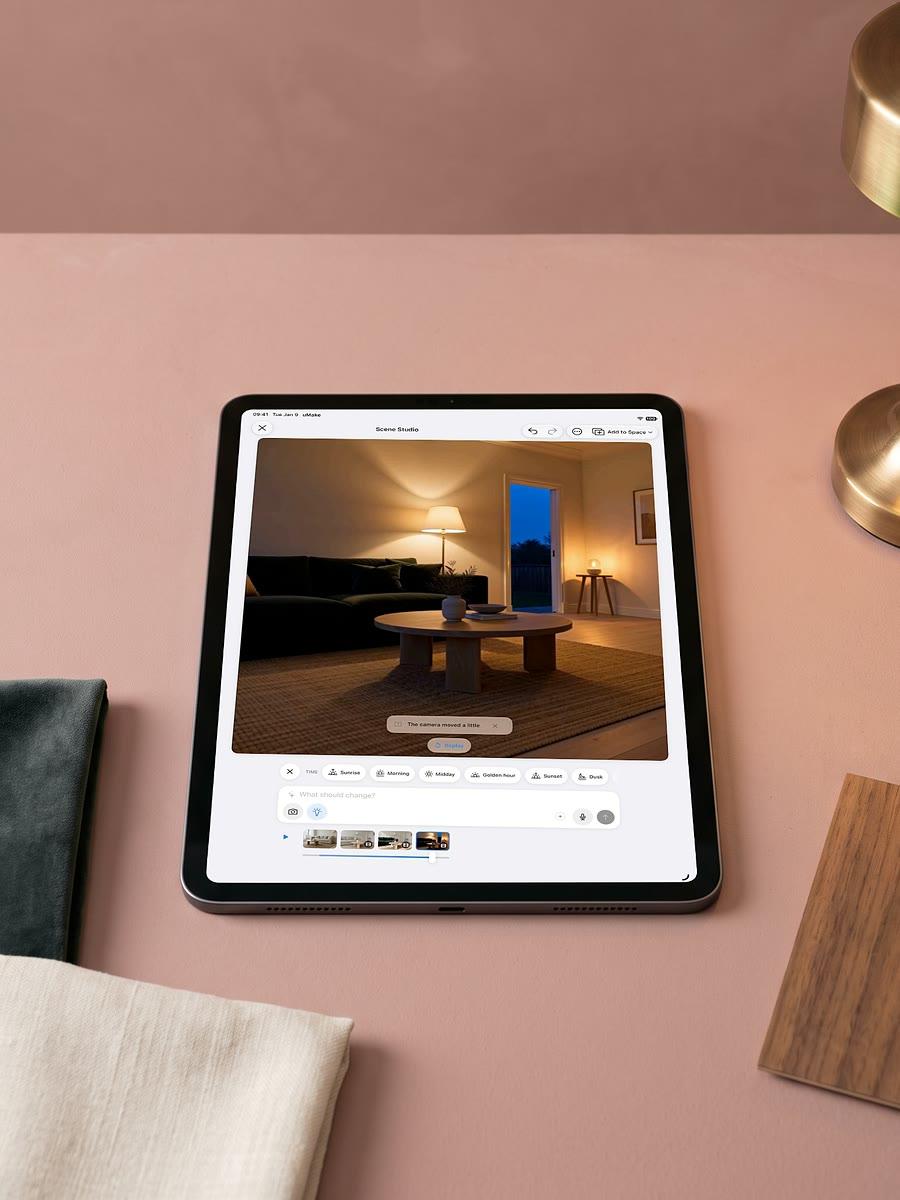
Move the camera, change the light
Tutorial
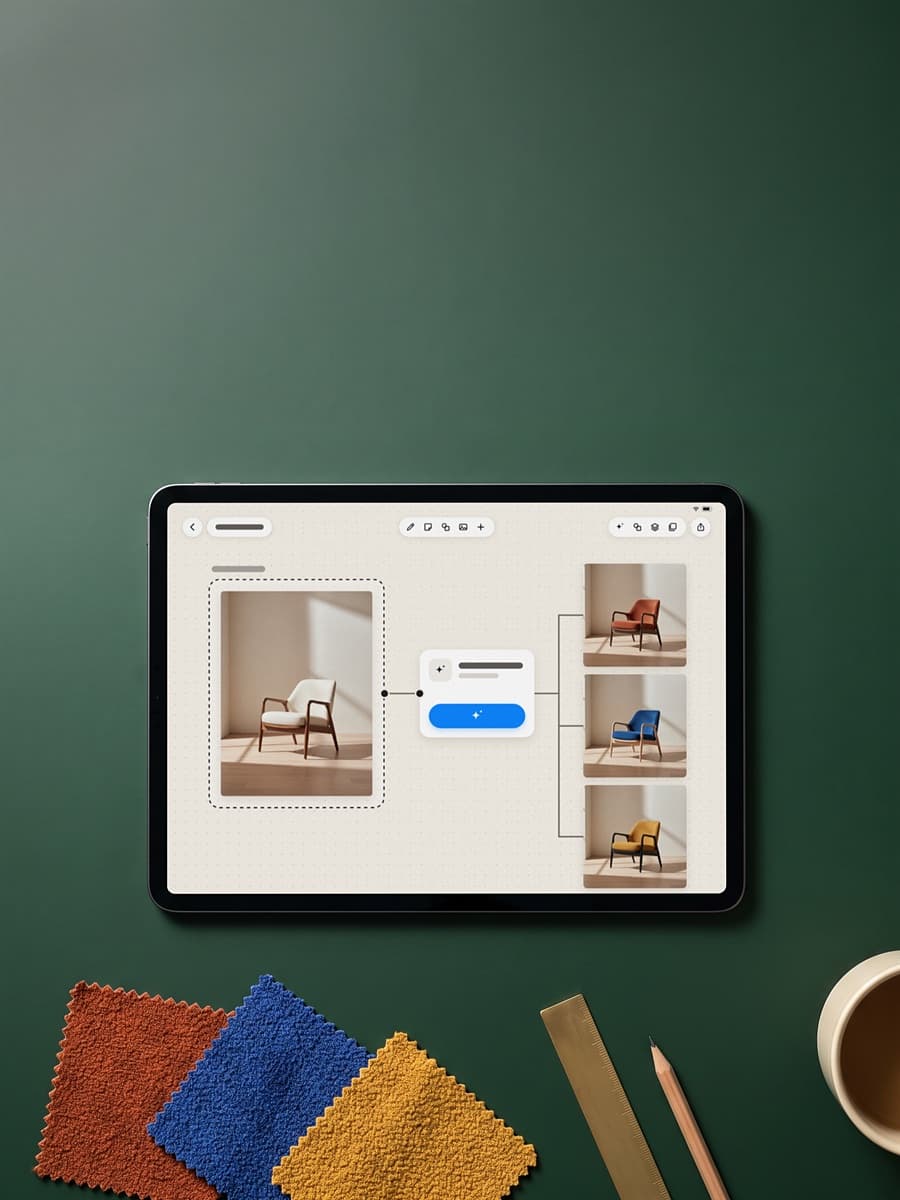
AI cards tied to your picture
Tutorial
Bring your photos into a design
Tutorial
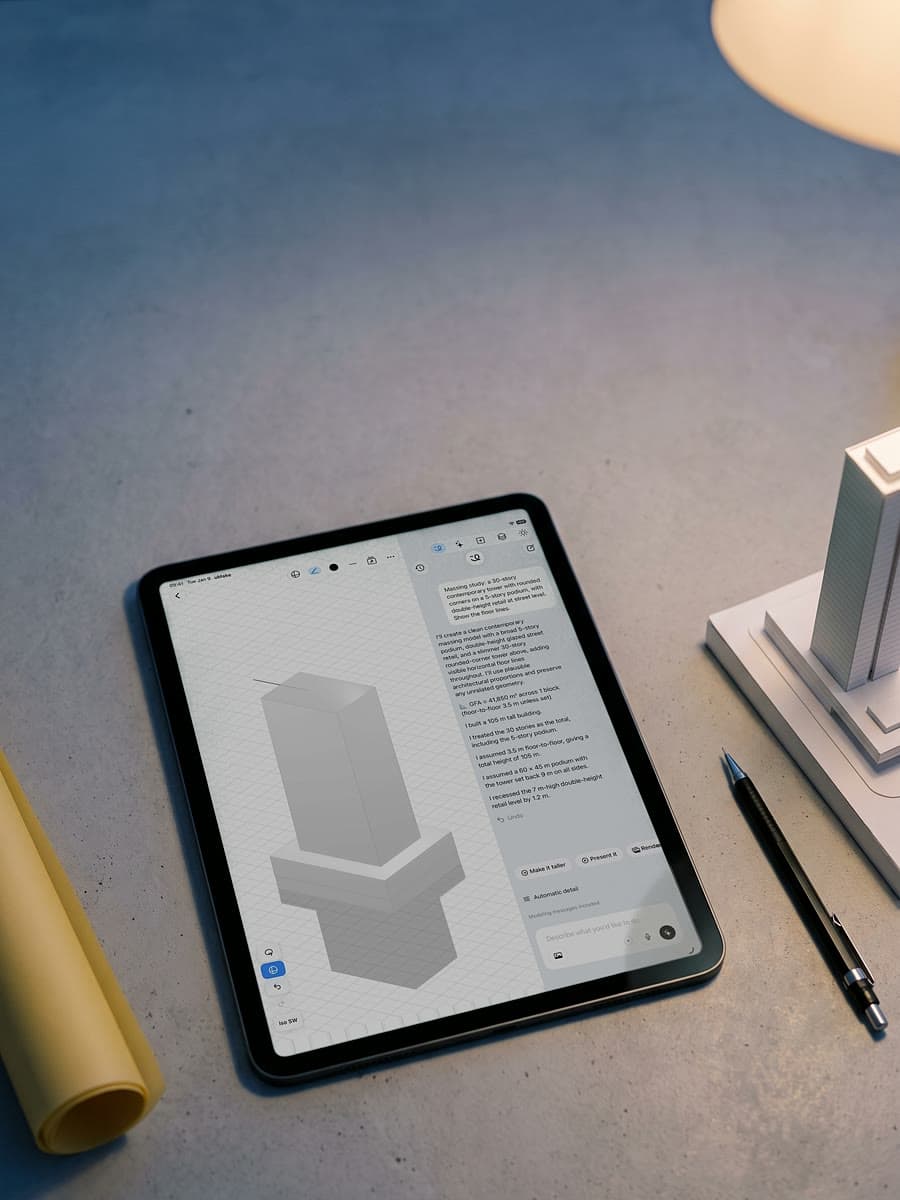
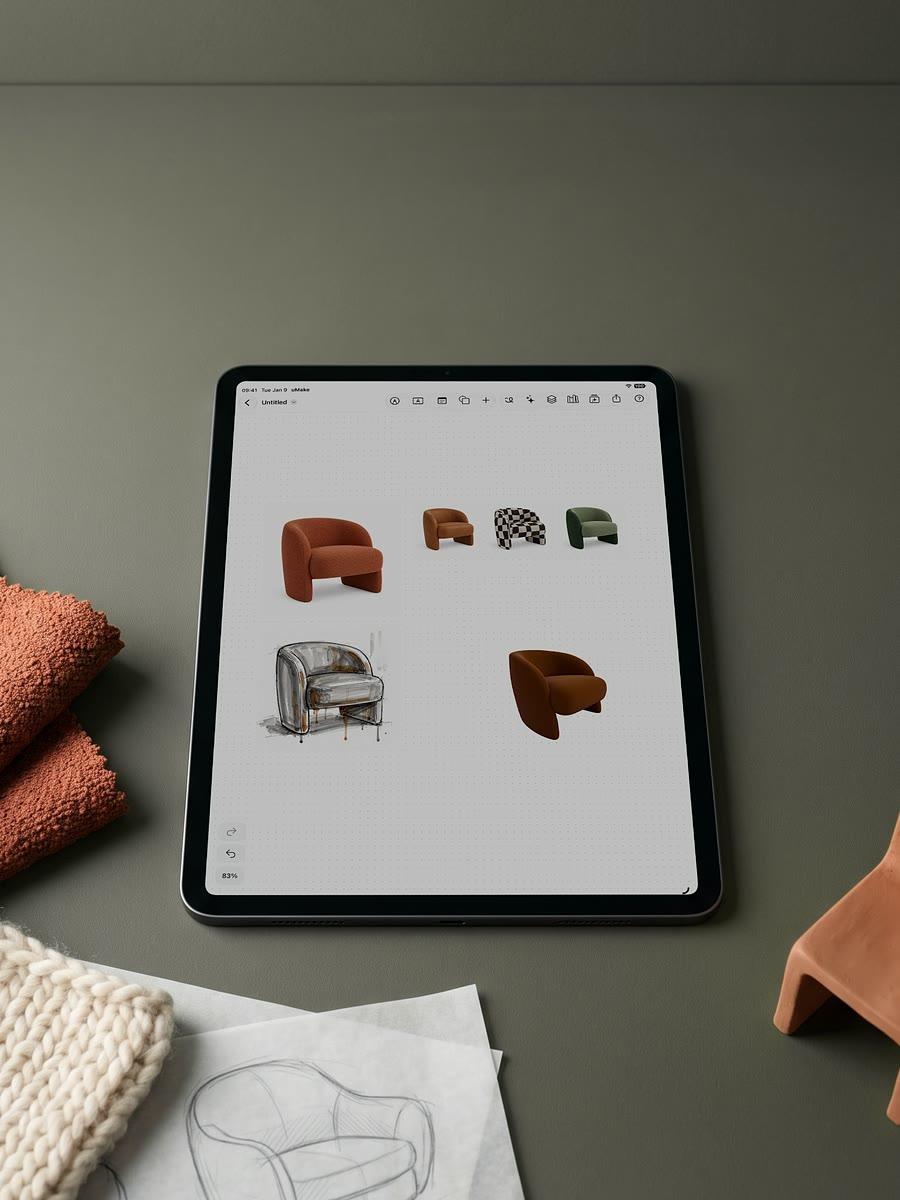
Model by describing it
Tutorial
From words to a 3D model
Tutorial
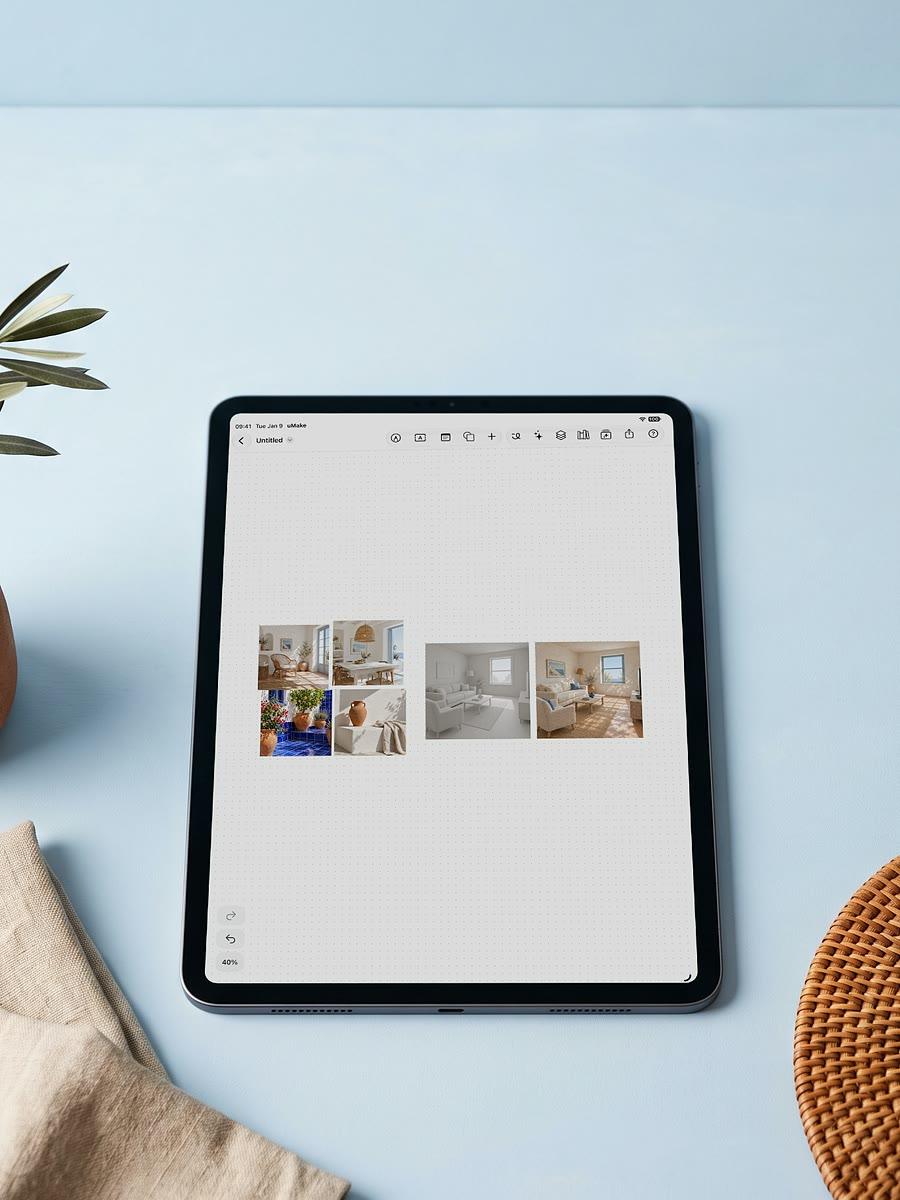
Save a look, use it anywhere
Tutorial
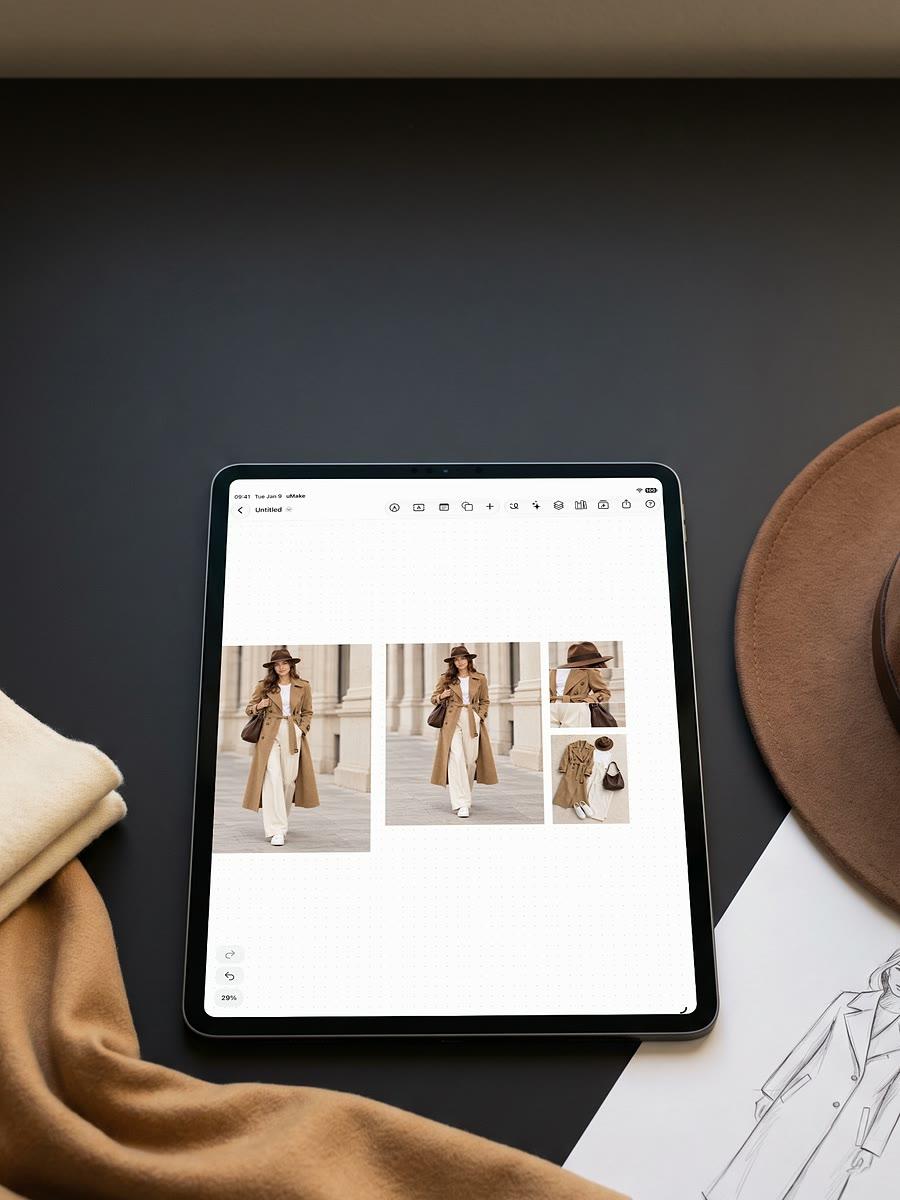
Many pieces, one image
Tutorial
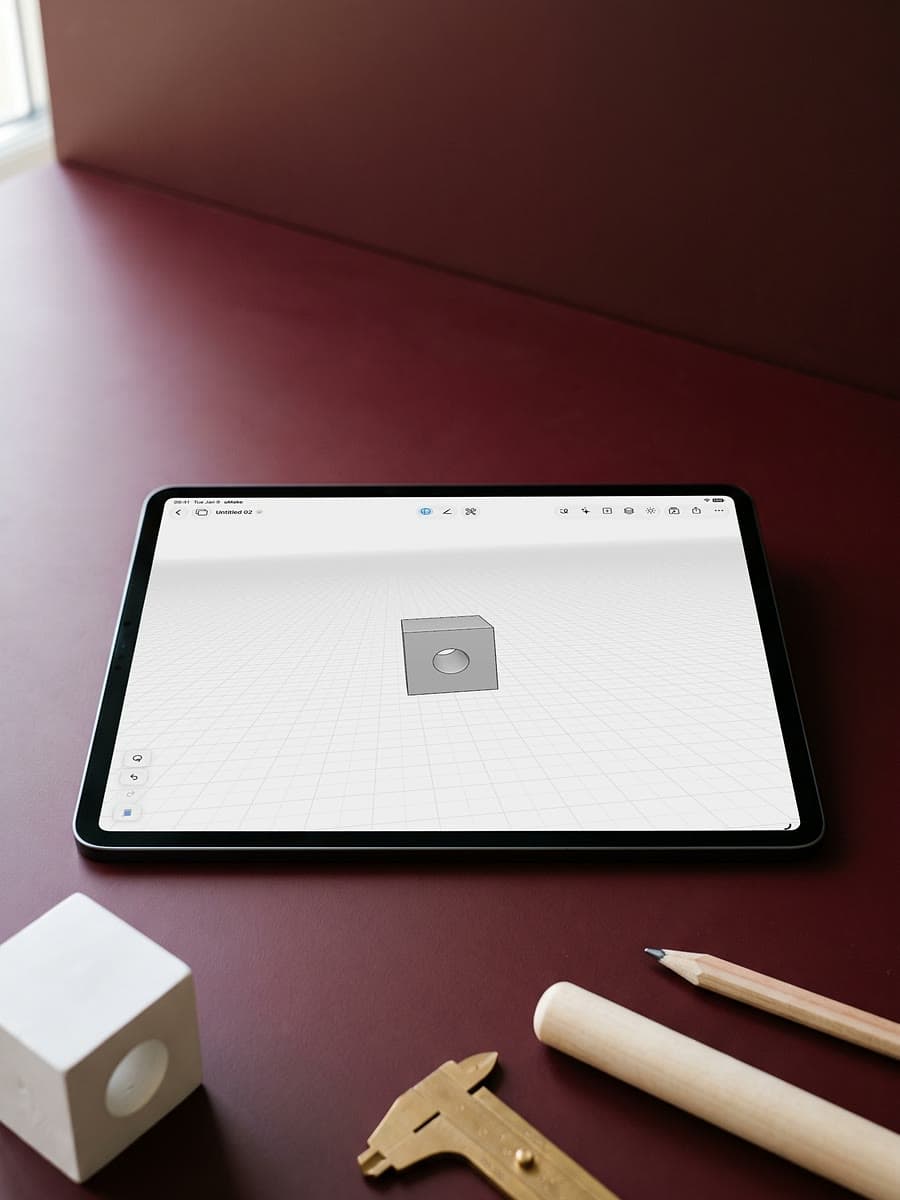
Cut one shape out of another
Tutorial
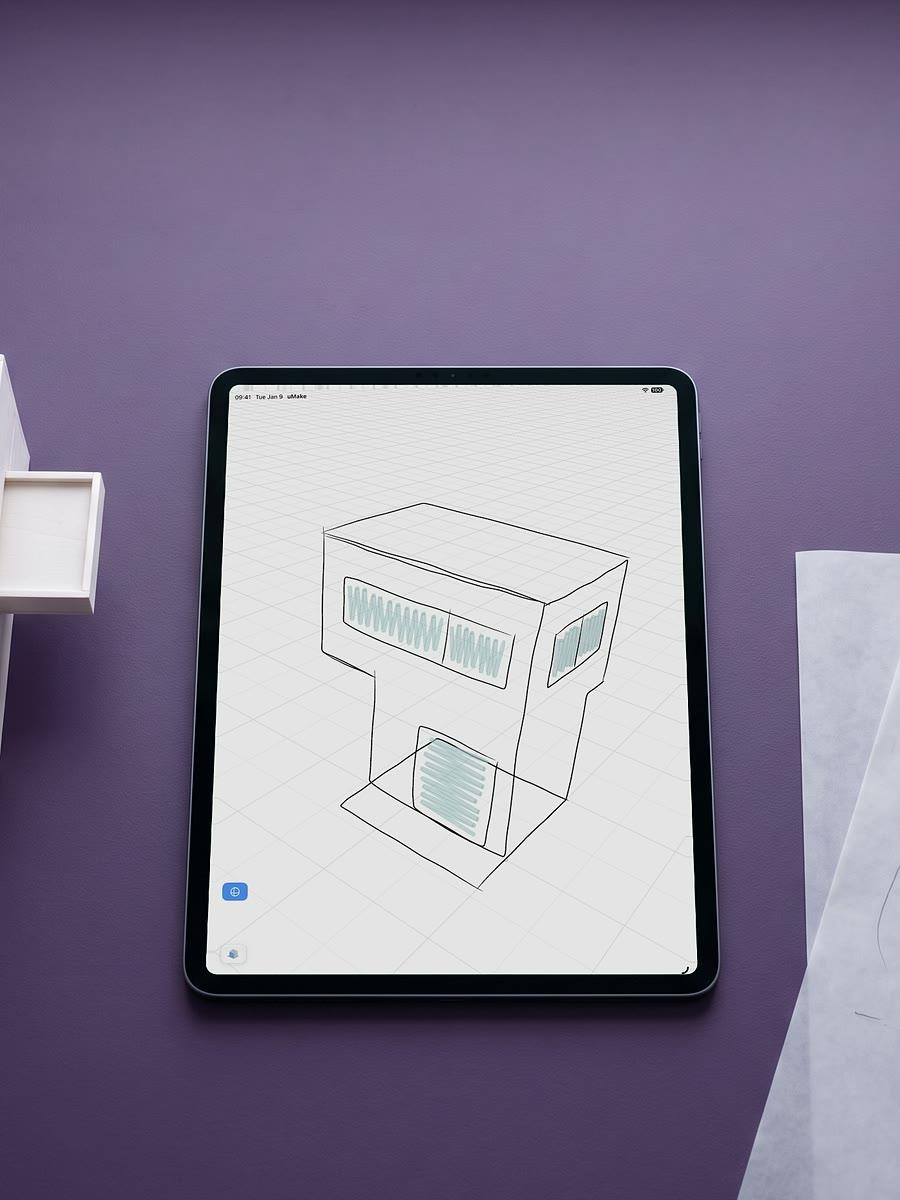
Sketch freely in 3D space
Every object on its own layer
Tutorial
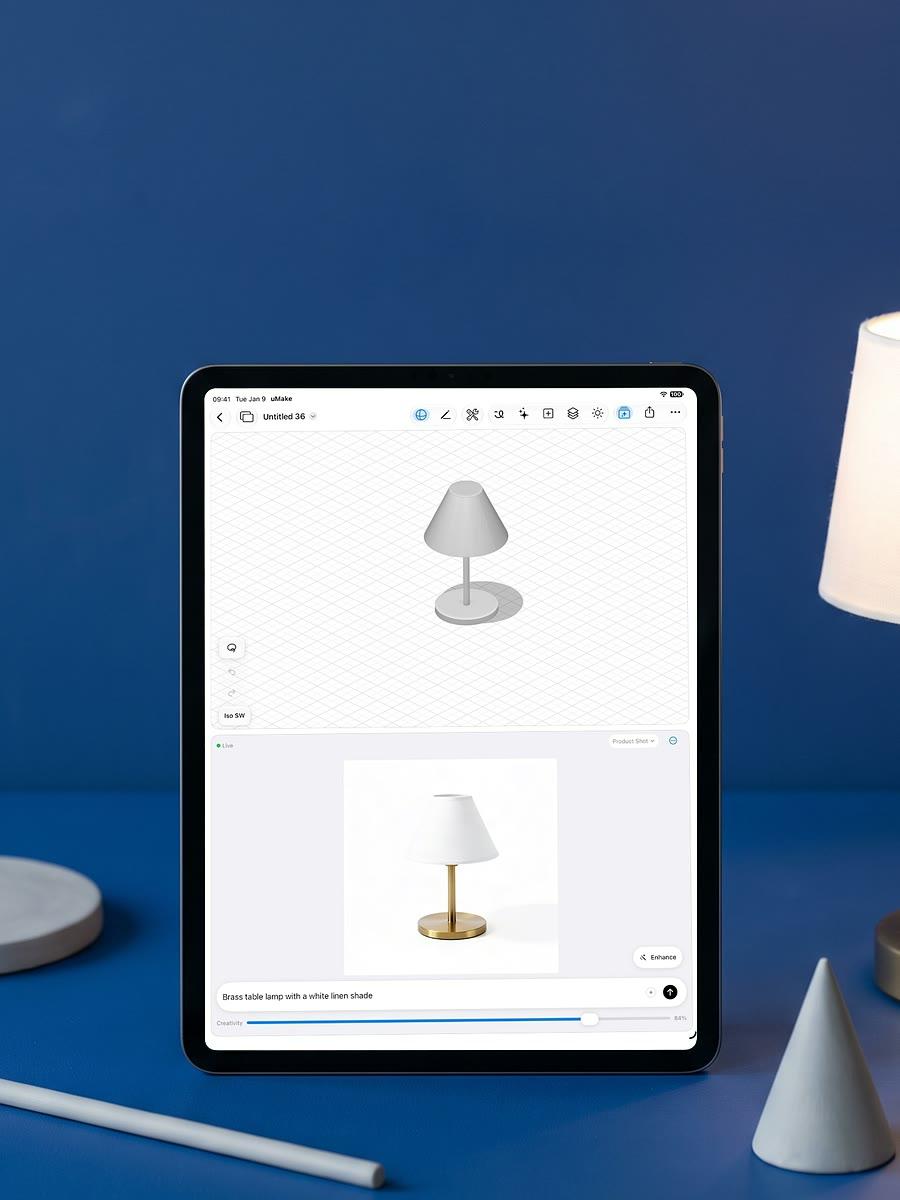
See simple shapes as a product
Tutorial
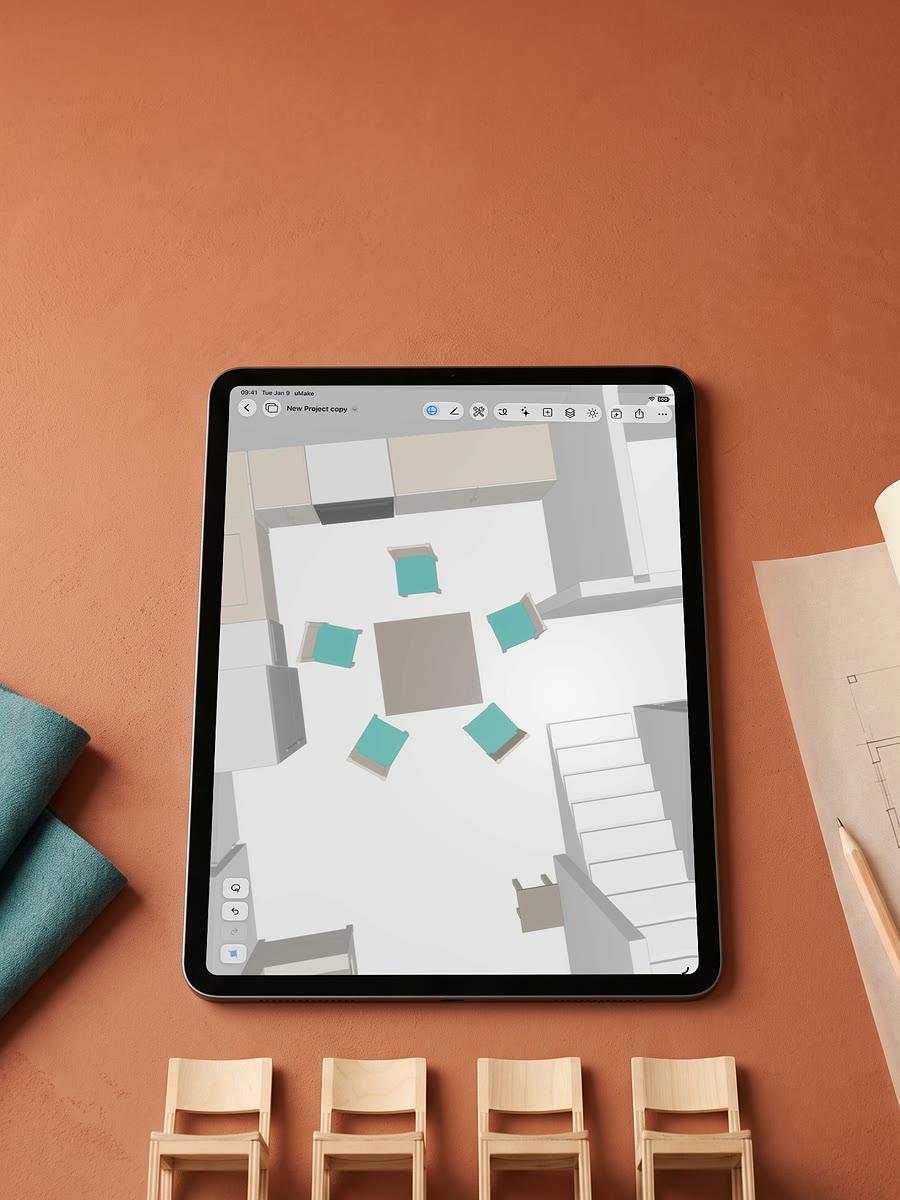
Change one, every copy follows
Tutorial
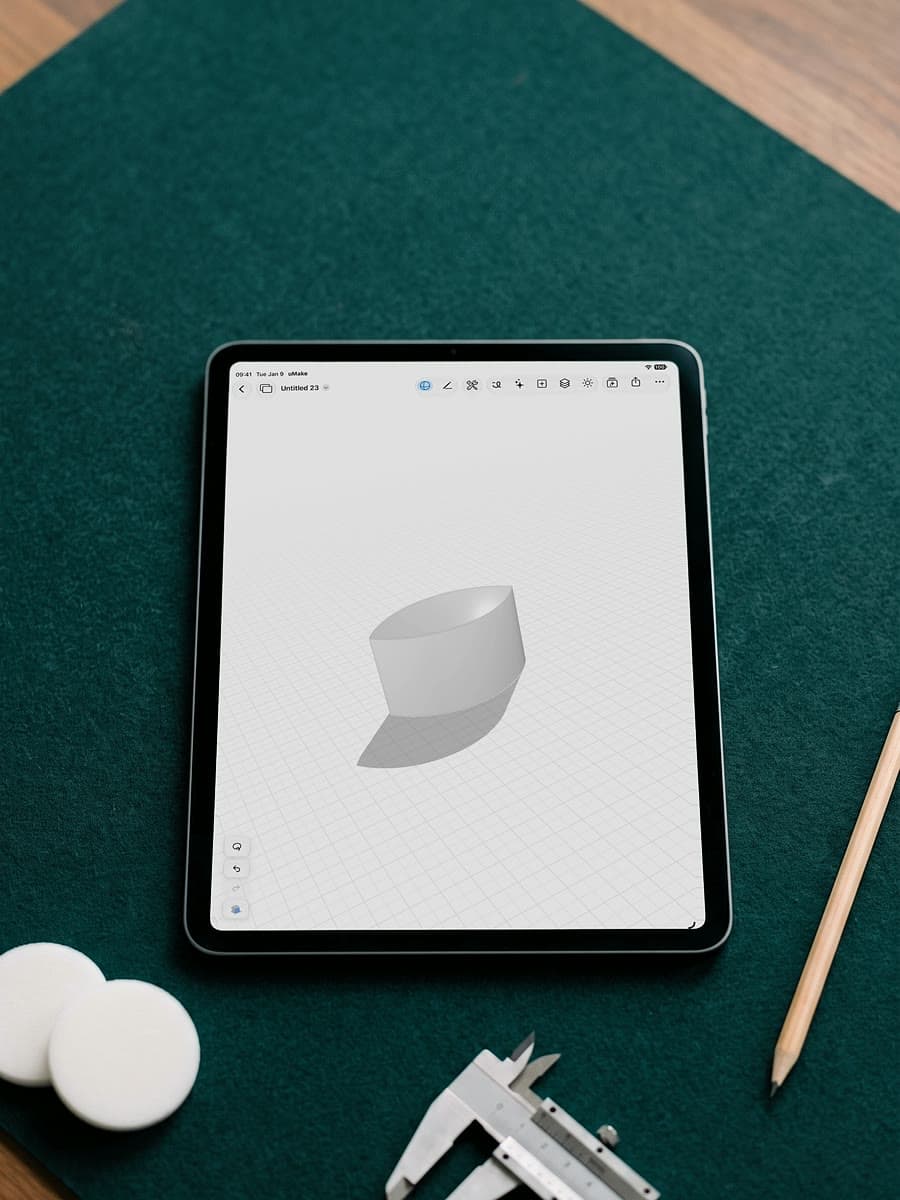
Keep where two shapes meet
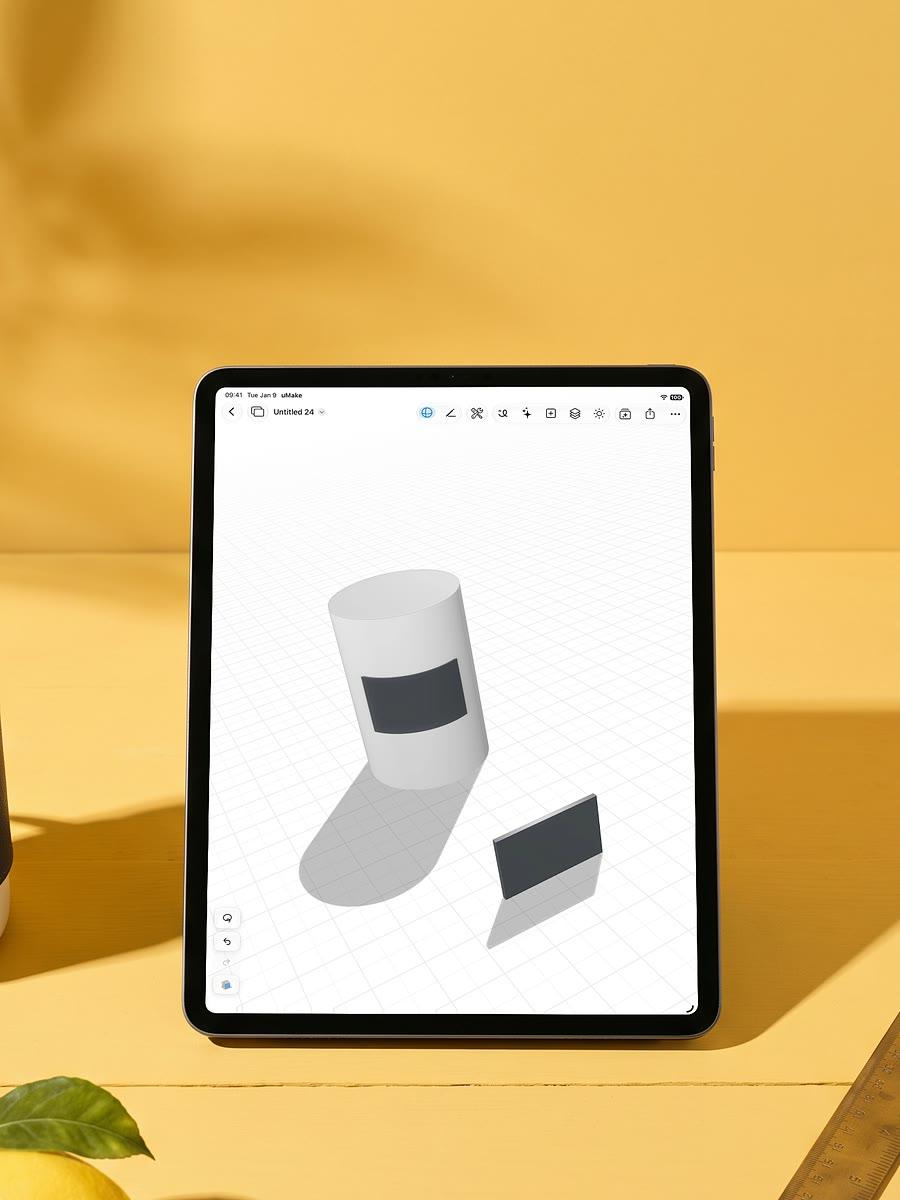
Tutorial
Wrap a shape onto a surface
From studios and classrooms
uMake continues to play a central role for me in rapidly developing multiple design strategies with ease.
Pupils found it incredibly easy to create sketches and then to rapidly change them into 3D models.
Awards
Free to download, with in-app purchases.
See it in action
Real screen recordings from uMake 10. Pick a tool, or let them play through.
3D editor
Sketch to 3D. See a coupe as its curves, switch on its surfaces, and orbit it in 3D.
AI Design Partner. Give it a reference image, and it builds an editable 3D model to match.
Advanced 3D tools. Wrap stars onto a curved ring with Project Shape, then Combine subtracts them to engrave it.
Groups and instances. Recolor one tree in Edit Group, and every linked instance across the site follows.
Live AI Preview. Change the view, and the photorealistic render beside your model updates to match.
Flows. Connect AI cards to a picture and build on what they make, from colorways to a finished room.
Scene Studio. Describe a change or pick a time of day, and each one becomes a short clip.
Compose a Scene. Gather references, even straight from the web, and compose them into one scene.
Variations. Pick an angle on your 3D design, then explore new directions for it as images.
Apply Style. Apply one of your saved styles to a photo, and the outfit changes to match.
Split into Layers. Turn a photo's objects into layers, make them whole, and move them on their own.
3D editor
Spaces
How it works
One living room, start to finish: sketch it, model it in 3D, gather it on a board, then use AI to render it, change its materials and turn it into a short clip.
A pencil line becomes a model, a board, a lit room and a short film.

3D sketching
Draw on sketch planes in 3D space with Apple Pencil or a finger: loose strokes or precise curves, measured in millimeters or inches.
3D modeling
Lift strokes into surfaces and solids, cut openings with Combine, or describe a shape and let the AI Design Partner build it.
Spaces
A Space keeps your 3D models, sketches, photos and notes together. Bring in references, even straight from the web.
Compose a Scene · AI
Select a model and your references, and Compose a Scene turns them into one photoreal image of your idea.
Variations · AI
Variations keeps the design and changes its materials, color and light, so you can compare directions side by side.
Scene Studio · AI
Describe a change or pick a time of day, and Scene Studio turns each one into a short clip.
Highlights
Sketching, precise 3D, AI tools and AR, in one app on iPad, iPhone and Mac.
From a stroke to a solid.
Draw on a sketch plane with Apple Pencil, then lift the strokes into surfaces and solids.
Chat with an AI partner that builds and edits 3D geometry right on your canvas.
Precise curves and surfaces, measured in mm, cm, m, inches or feet.


Place your design on a real table or wall, on iPhone and iPad.


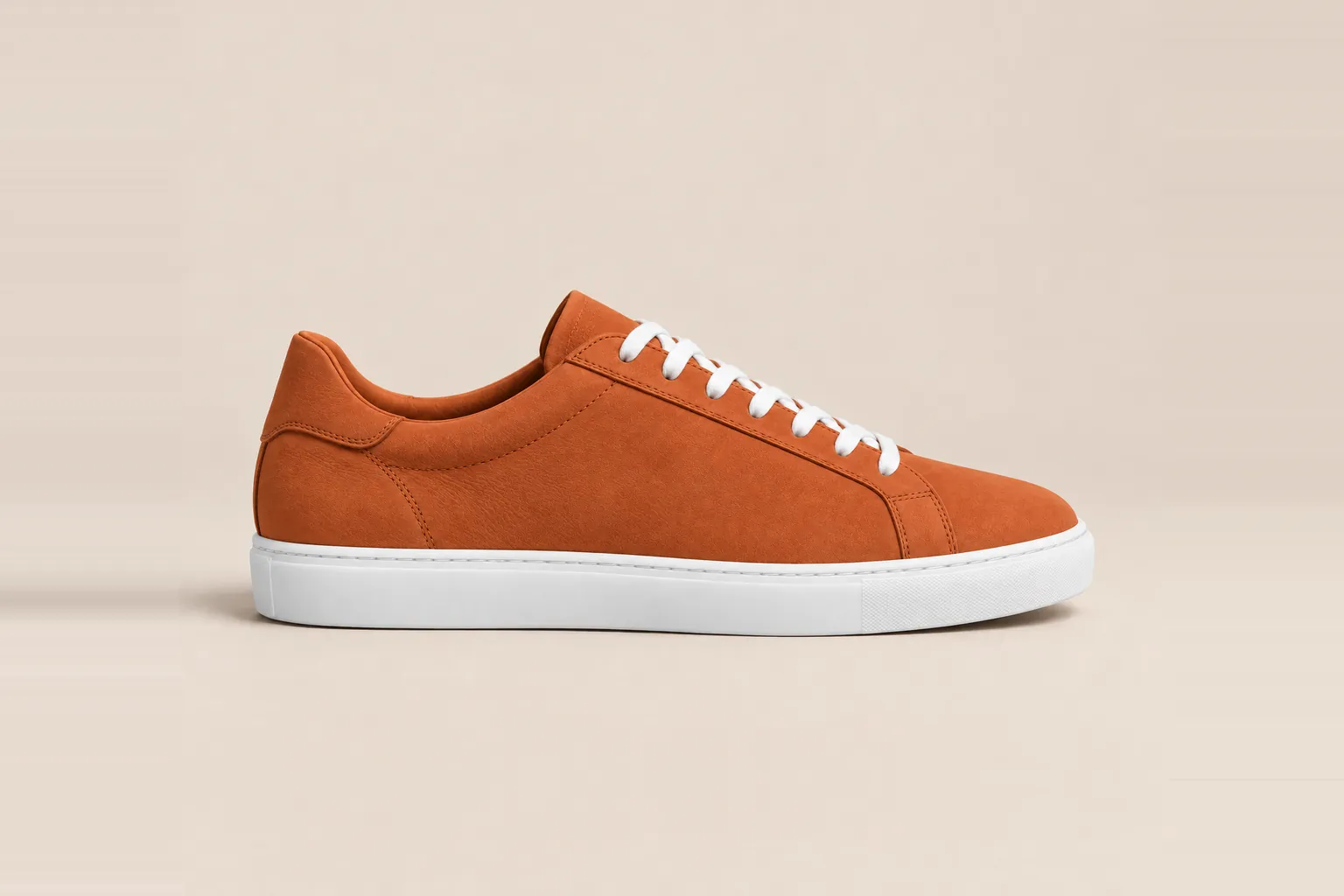
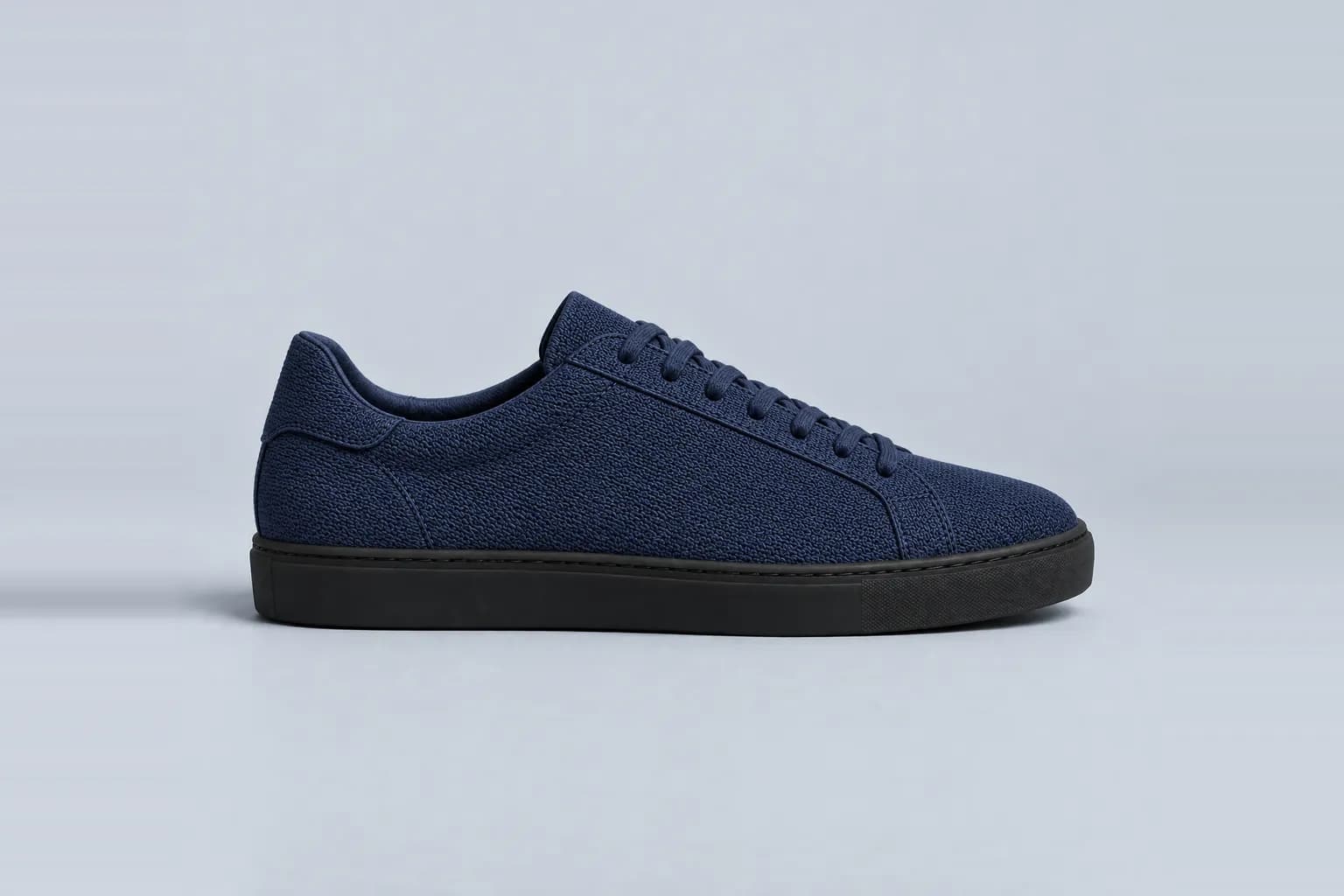
Variations explores several directions from one image, keeping the same subject.
Bring a picture to life: move objects, change the light and steer the camera. Each change becomes a short clip.
uMake speaks English, German, French, Spanish, Italian, Portuguese, Russian, Japanese, Korean, Chinese and more.
Build your own AI workflow with Flows, edit a photo with words or a sketch, remove its background, explore variations, compose a scene, split it into layers, apply a style, turn an image into a 3D model, make textures, palettes and video clips, and bring a picture to life in Scene Studio.



Pricing
Download uMake, open and view 3D files (SketchUp included), work in two Spaces, and get one-time credits to try the AI tools. Drawing and editing in 3D come with a plan.
The full 3D editor, every export format, the full content library and a monthly AI allowance. Pro has twice Basic’s, Studio five times.
Students join free with a class link. Schools, colleges and universities: $15 per seat a year, from 20 seats. Studios and firms: uMake Teams, from 3 seats, with one bill.
Questions
What people ask before they download, answered plainly.
Still curious? Write to hello@umake.com
uMake is a design app for iPad, iPhone and Mac that makes turning ideas into designs faster and easier. Sketch an idea, build it in precise 3D with real curves and surfaces, and keep sketches, models and references together on one board, called a Space. AI tools then render your design, try new materials on it and set it in a scene.
uMake is free to download. Without a plan you can import and view 3D files, SketchUp included, work in two Spaces and get one-time credits to try the AI tools. A Basic, Pro or Studio plan unlocks drawing and editing in the 3D editor, 3D file export and the complete content library. See plans.
All three include the full 3D editor, every export format and the complete content library. The difference is how much AI you get each month: Pro has 2× Basic’s and Studio 5×. Plans are billed monthly or yearly, in the app through your Apple Account or on the web at account.umake.com; the app shows your local price and any free trial before you subscribe. See plans.
uMake runs on iPad and iPhone with iPadOS or iOS 17.6 or later, and on a Mac with Apple silicon, where the iPad app runs natively. On iPhone Duo with iOS 27.1, open the phone and you get the larger workspace uMake has on iPad; your design, view and selection stay put as you open and close it. View in AR is available on iPhone and iPad.
No. You can sketch, model and orbit your design with your fingers on iPad and iPhone, and with a keyboard and trackpad on Mac. On iPad, the Pen, Precision and Freestyle tools all work with Apple Pencil. Turn on Apple Pencil mode, and Apple Pencil draws while one finger orbits the view.
Yes. Schools, colleges and universities can buy seats for $15 per seat per year, with a minimum of 20 seats, paid by card. Members join with a link and get every feature except the AI allowance, and students get the free Education plan through the class link their teacher shares: see uMake for Education. Companies and studios can give everyone uMake with uMake Teams: Basic, Pro or Studio for each person, billed per seat with at least 3 seats, each member with their own AI allowance, an admin page to invite and remove people, and company sign-in.
Free to download
Free to download, with in-app purchases. For iPad, iPhone and Mac.