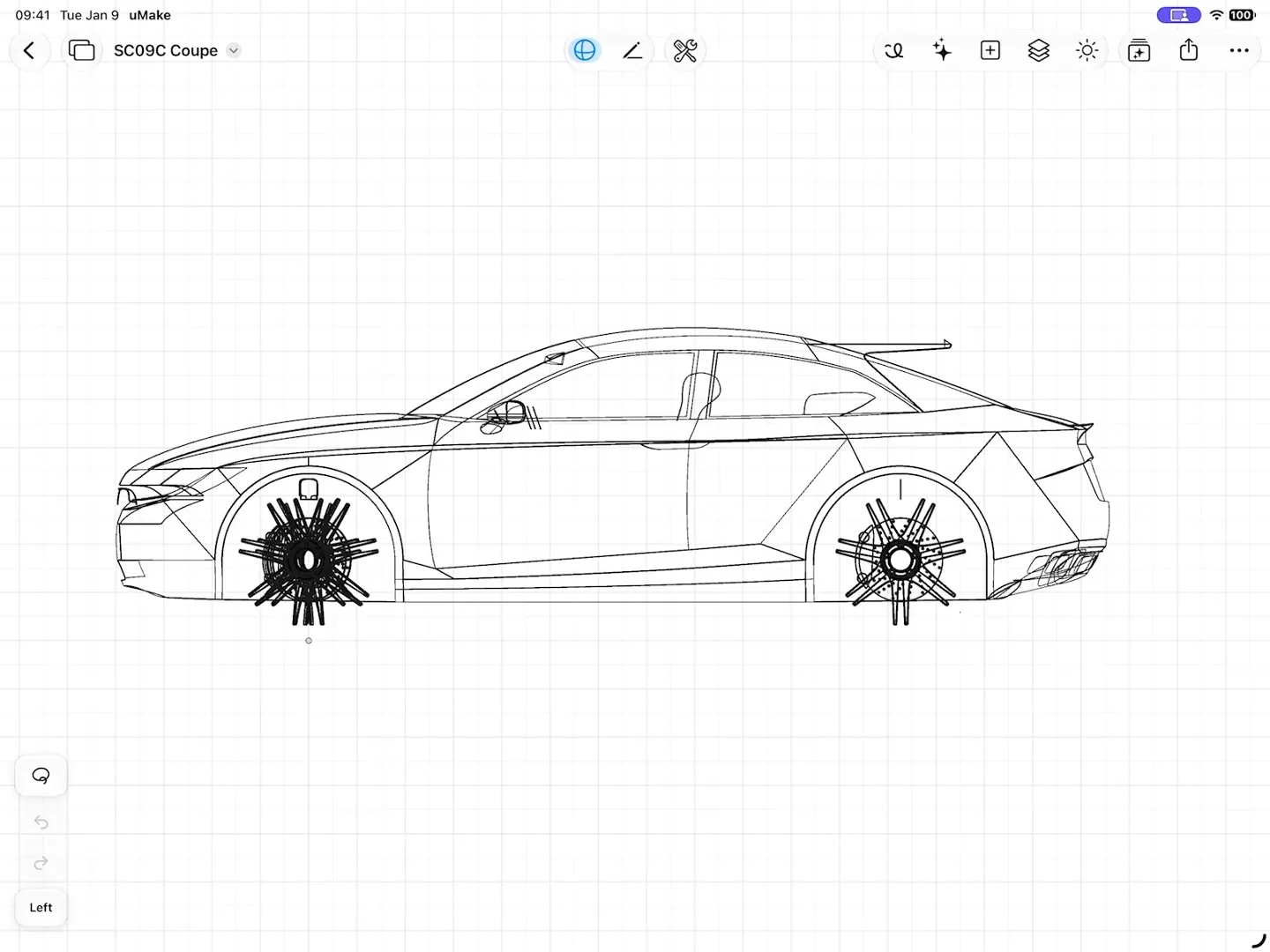
Sketch & model
Precision, Pen and Freestyle, NURBS surfaces, Combine and linked Components, in real units.
Explore modeling: Sketch & modeluMake
3D CAD Modeling, Design
Free · In-app purchases
Scene Studio & rendering
Start from a picture of your design, then change what you like: move an object, swap its material, set the time of day or orbit the camera. Each change becomes a short clip.
Free to download, with in-app purchases.
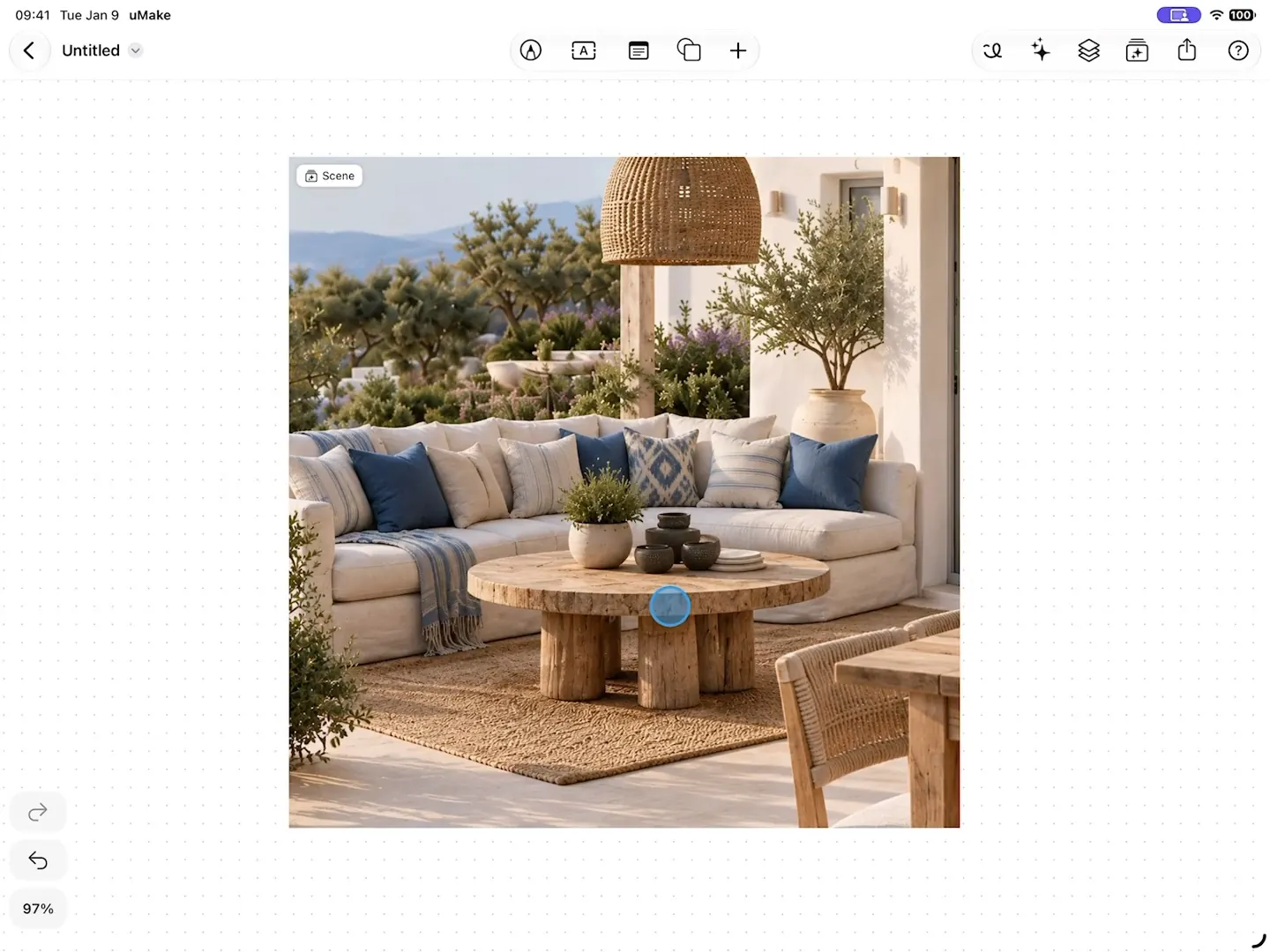
Scene Studio
Start from an image in your Space, or describe a scene, then change one thing at a time.
Objects & camera
Tap an object to move, rotate, resize or recolor it, change its material, or remove it. Explore viewpoints with camera presets and a 360° orbit. Each change becomes a short clip on the timeline.

Lighting
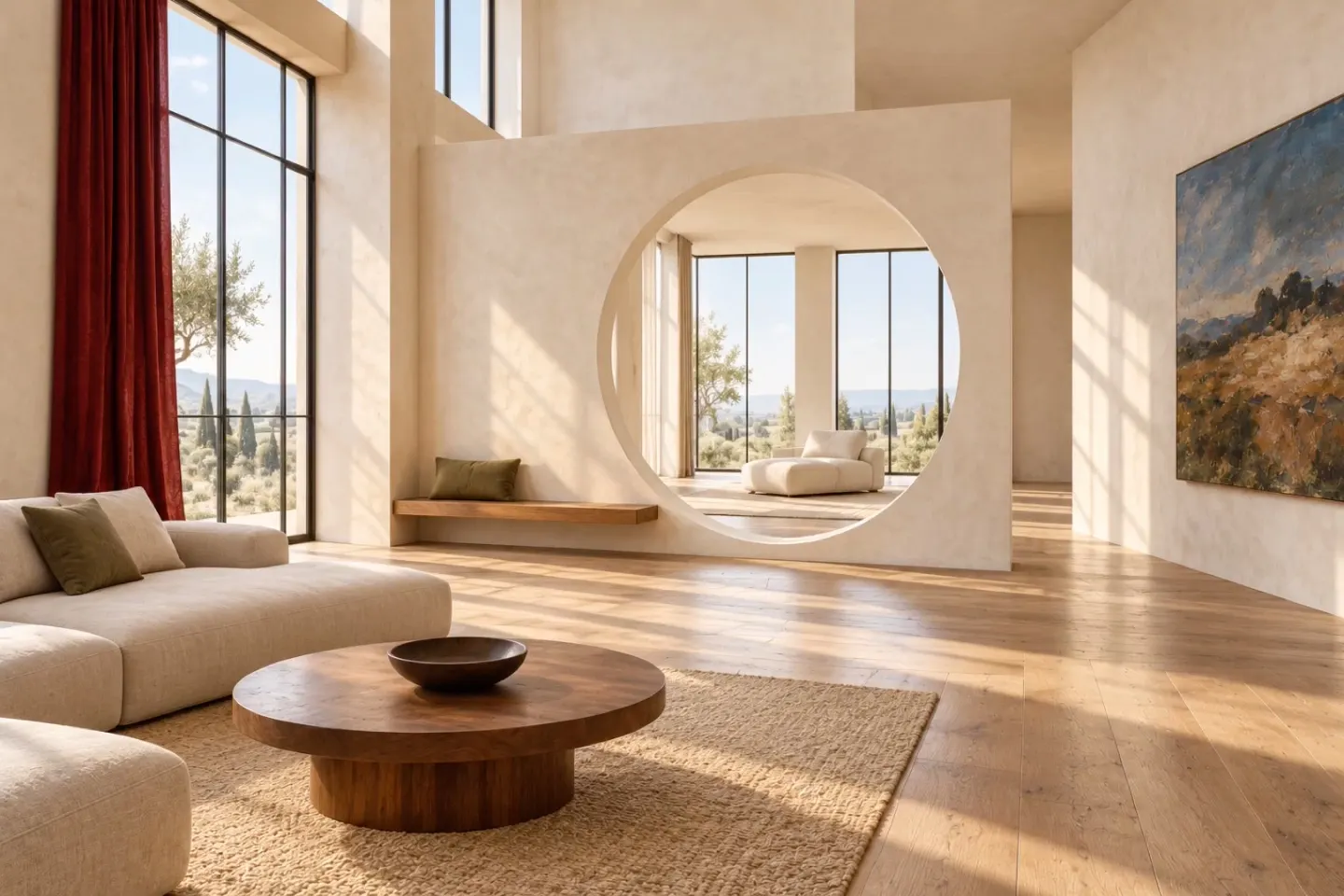
Set the time of day, the season or the weather, and the whole scene follows. Try another finish on the walls, move the camera in, and keep every take on the timeline to compare.
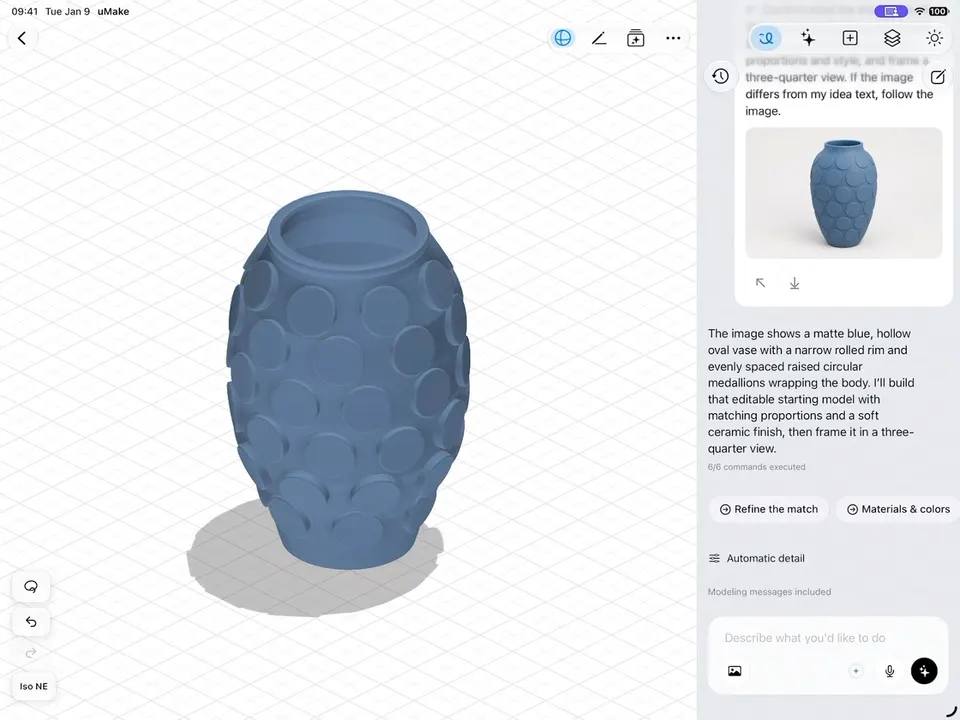
In the 3D editor
Materials, sun & visual styles
PBR materials give every surface its finish, with roughness, metallic, color and emissive controls. Light the model with an environment or a sun set by time of day, season and north, and the shadows follow.
What you need
Scene Studio runs on AI credits. Materials, lighting and HQ renders are part of the 3D editor.
More features
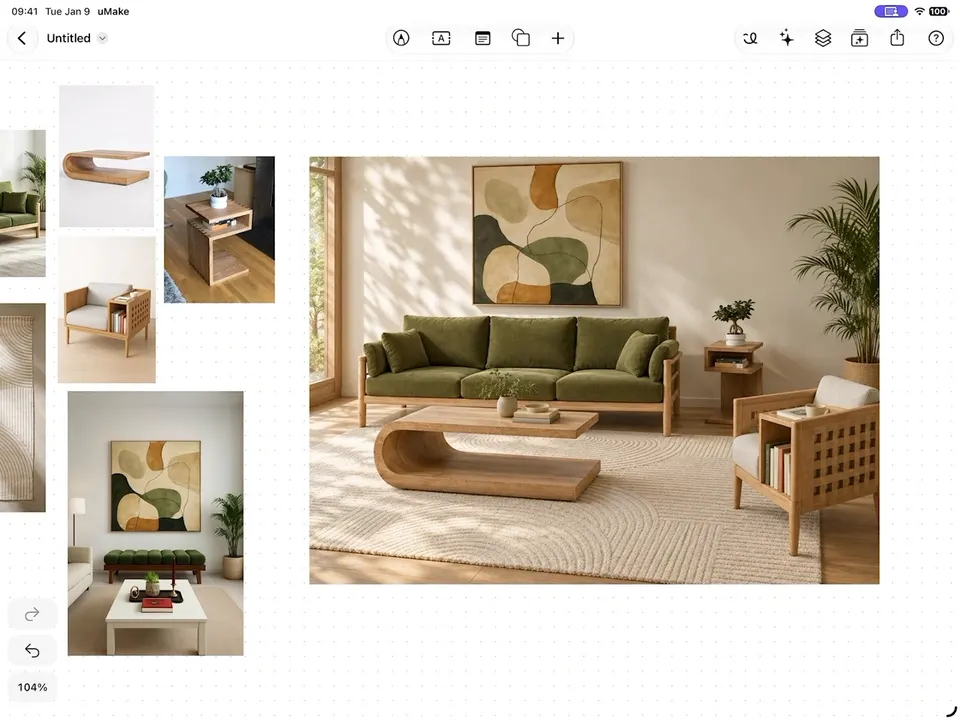
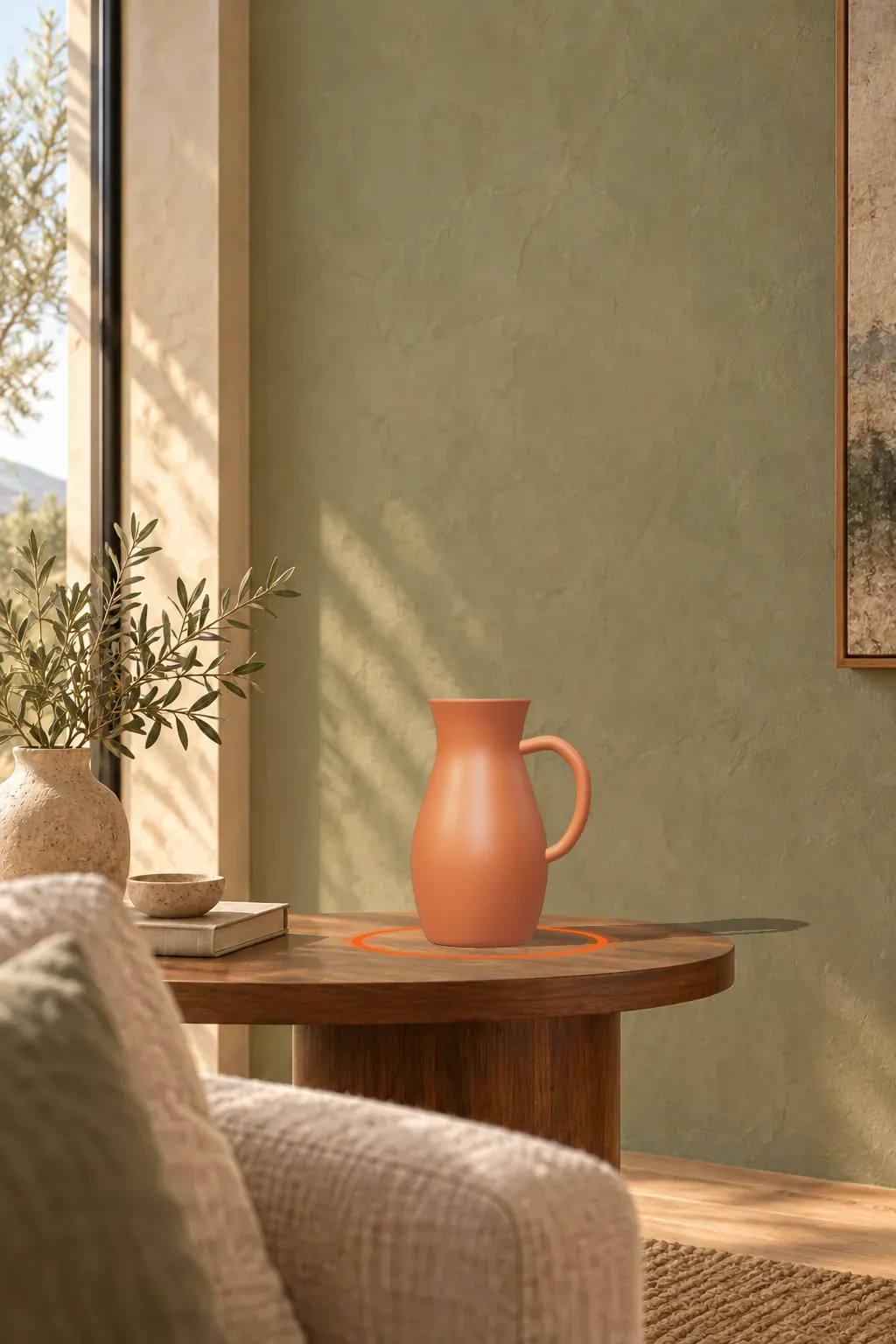
Scene Studio brings a picture of your design to life. Start from an image in your Space or describe a scene, then move, recolor or rematerial objects, change the time of day, season or weather, and orbit the camera. Each change becomes a short clip, and the whole story saves as an MP4 video.
Yes. Scene Studio runs on AI credits, and a clip uses more than an image. Basic, Pro and Studio include a monthly allowance; Free includes one-time credits to try it. Compare plans.
Yes. In the 3D editor, set the sun by time of day, season and north, and the shadows follow it: a quick daylight study for a building or a room.
Presentation looks for your model in the 3D editor, such as Standard, Architectural Clay, Technical Ink, Paper Sketch and Blueprint.
Each change becomes a short clip.
uMake for iPad, iPhone and Mac