Modeling
Sketch and model
Precision, Pen and Freestyle, NURBS surfaces, Combine, Project Shape and Components.
uMake
3D CAD Modeling, Design
Free · In-app purchases
uMake for architecture
Sketch massing with Precision and Pen, turn a plan image into floor plans with the AI Design Partner, test the light, and hand off STEP or IGES files. On iPad, iPhone and Mac.
Free to download, with in-app purchases.
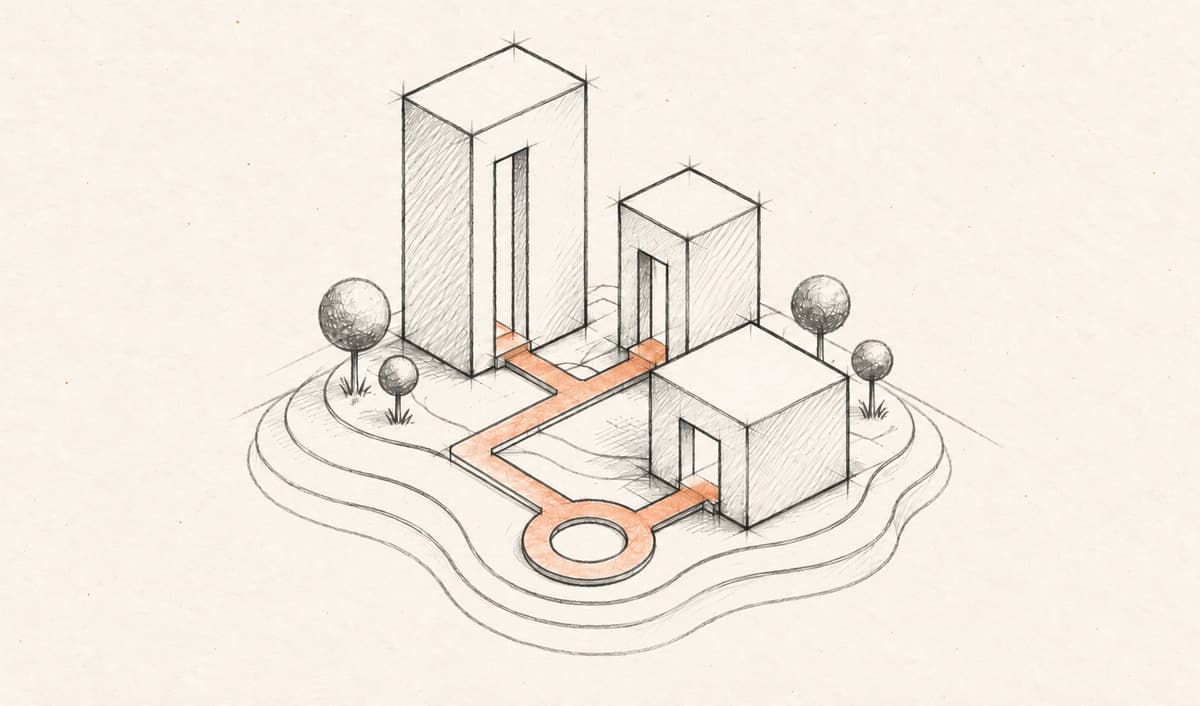
A day in uMake
Five moments from a working day on one scheme, and the uMake tools behind each one.
09:00 · Massing
Draw a footprint with Precision and type exact lengths into its live dimensions, or rough it out with Pen, which snaps a held stroke to a clean line, arc or rectangle. Push & Pull gives it height, in meters or feet.
10:30 · Floor plans
Attach a floor plan image, and the AI Design Partner builds it in 3D: measured walls and openings, rotated plans and concave rooms, up to three stories with slabs and straight or U stairs. What comes out is geometry you keep modeling.
13:00 · Options
Gather sketches, site photos, plans and live 3D designs on one Space. Put each scheme on its own layer and show them one at a time in a crit, or trace a site plan with Use as Underlay. Open a design in the 3D editor, and the board updates when you come back.
15:00 · Daylight
In the 3D editor, set the Sun’s time of day, season and north, and the shadows follow. In Scene Studio, open a picture of the scheme from your Space and change the time of day, season or weather. Each change becomes a short clip.
17:00 · Review
Live AI Preview renders a photoreal view beside the model as you work, in styles such as Architectural, Night or Clay. View in AR sets the model on a real table on iPhone or iPad, and with a plan you export STEP or IGES for your CAD tools.
Files
Open SketchUp and CAD files wherever you are, and send STEP or IGES back to the office.
Import and view, free
3D export needs a plan
Spaces export PNG or UMKS, and Scene Studio saves MP4 video.
In practice
uMake continues to play a central role for me in rapidly developing multiple design strategies with ease.
Awards
Every building began as a line.
uMake for iPad, iPhone and Mac