Skip to contentuMake
Download uMake on the App Store

uMake

3D CAD Modeling, Design

4.3 out of 5 stars,More than 19,000 ratings worldwide

Scan to download on iPad or iPhonewww.umake.com
View on the App Store

Free · In-app purchases

uMake

uMake for interior design

From mood board to the real room.

Collect references on a Space, show clients options with Compose a Scene and Variations, furnish the room in 3D, and place it in their space with View in AR. On iPad, iPhone and Mac.

Free to download, with in-app purchases.
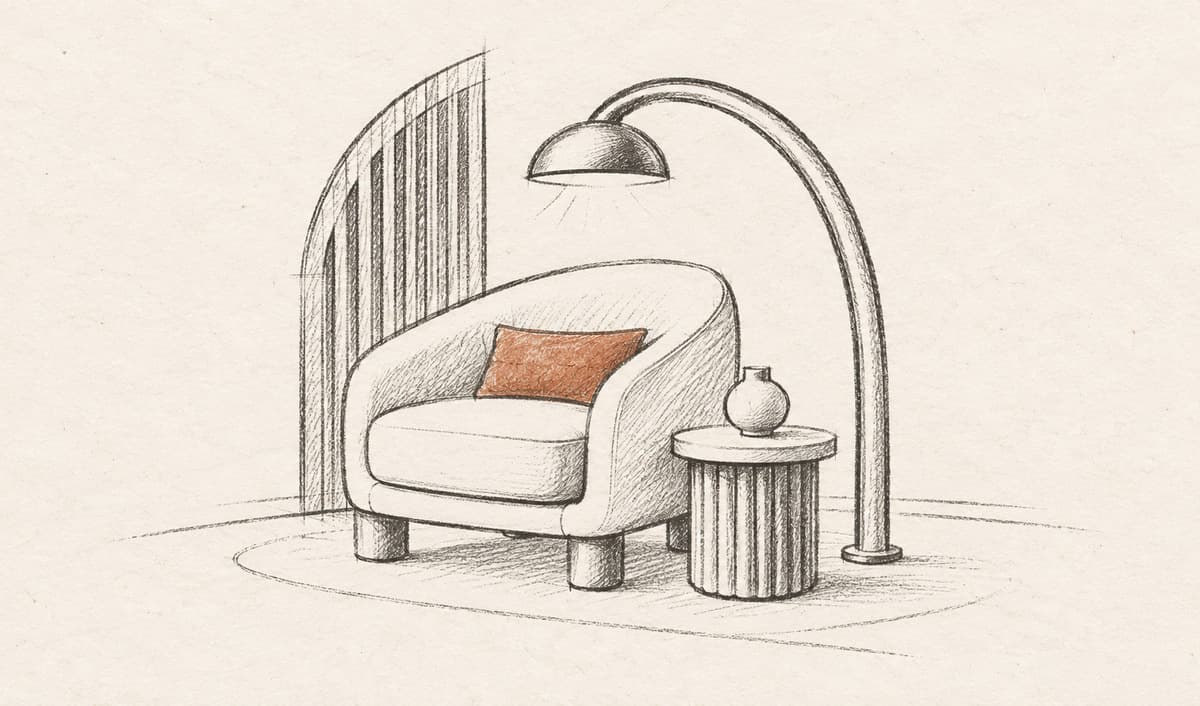
Pencil sketch of a room: an armchair with an orange cushion, an arc floor lamp and a side table
fig. 1 · Room / Interior, a starting point on uMake’s home

A day in uMake

A day with one client.

Five moments from a working day on one room, and the uMake tools behind each one.

09:00 · Mood board

Start with the mood.

Drag photos, swatches and finds from the web onto a Space, beside your sketches, notes and live 3D designs. Select a few, and Compose a Scene turns them into one picture of the room, while the originals stay as they were.

  • Photos, notes, videos and live 3D designs on one board
  • References dragged straight in from the web
  • Compose a Scene: your selected items in one image
Explore Spaces
fig. 2 · Compose a Scene · 0:18

11:00 · Options

Show every direction.

Run Variations on a photo or a view of your design for several directions with the same subject, and keep one look across the project with Apply Style and Save as Style. Split into Layers turns a photo’s objects into layers, so the armchair can move, be made whole and try another corner.

  • Variations: several directions, same subject
  • Apply Style and Save as Style: one look, every image
  • Split into Layers and Make Whole: rearrange a real photo
Explore AI
fig. 3 · Split into Layers · 0:18

13:30 · Furnish

Furnish it in 3D.

Drop in ready-made models and materials from the content library, or ask the AI Design Partner for a sofa, a rug or a pair of lamps, and it builds them as objects you can change by name. PBR materials give every surface its roughness, metal and glow.

  • Ready-made models and materials from the content library
  • Furniture from the AI Design Partner, editable by name
  • PBR materials: roughness, metallic, color and glow
Explore modeling
fig. 4 · AI Design Partner, building from a reference image · 0:10

15:30 · Render

See it finished, live.

Split the canvas, and Live AI Preview renders a photoreal view beside your model, updated after each change. Describe the look, set Creativity from faithful to free, or try styles from Photorealistic to Watercolor, then Enhance the frame for the presentation.

  • A photoreal render that follows each change
  • Styles such as Photorealistic, Night and Watercolor
  • Enhance for a sharper frame, or 4 Views at once
Explore AI
fig. 5 · Live AI Preview · 0:07

17:00 · In the room

Place it in their room.

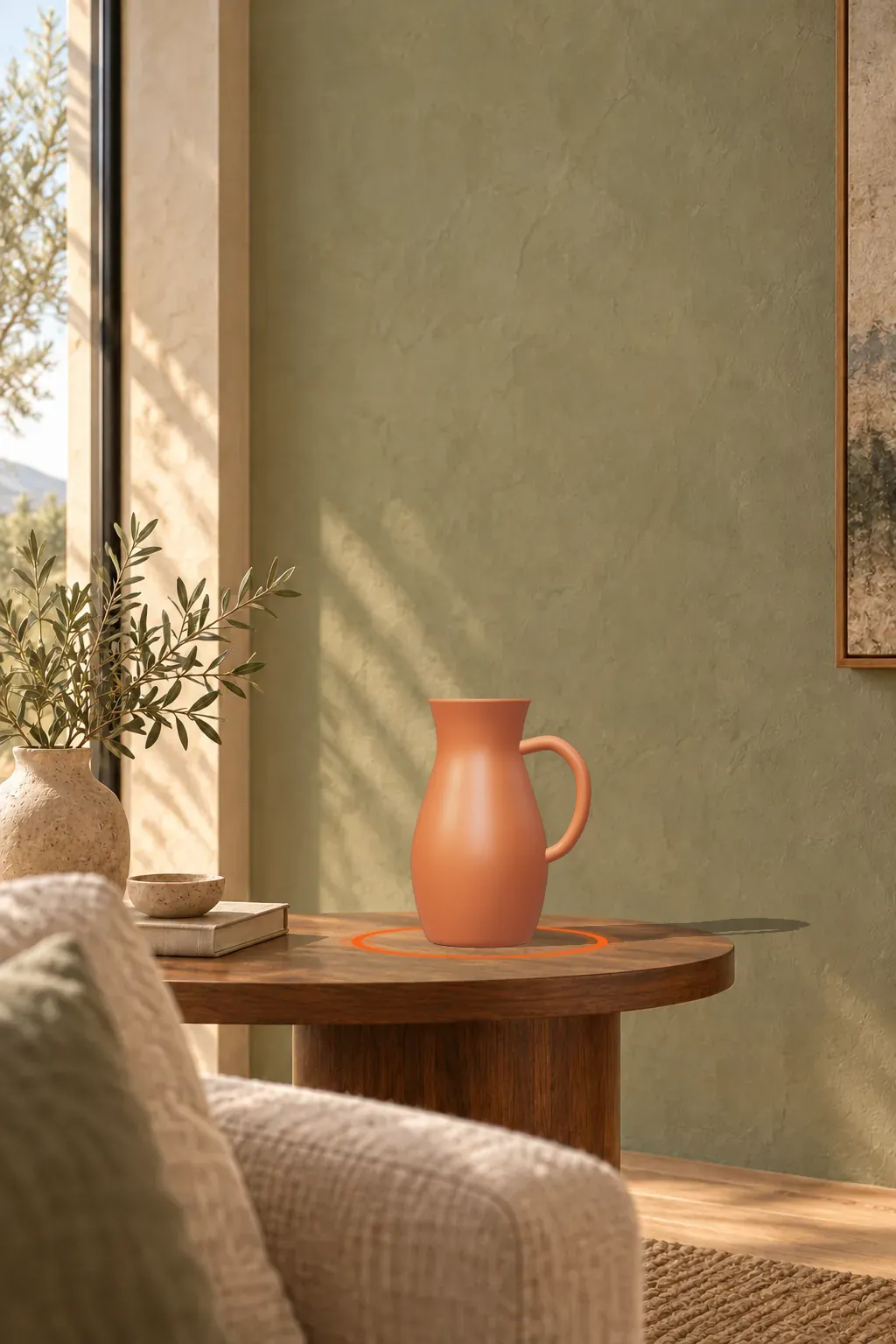
On iPhone or iPad, View in AR sets your design on a real table or wall at its true size, so your client can walk around it in their own space. Export USDZ, and your materials come along.
  • View in AR on a real table or wall
  • USDZ export carries your PBR materials
  • Full Screen presentations from the model itself
Explore AR & export
Illustration: a terracotta jug placed on a walnut side table against a sage plaster wall, as seen in AR
fig. 6 · Illustration of View in AR

Files

Open what suppliers send.

Bring in furniture models in the formats other apps share, and send rooms on as images, video or AR files.

Bring in

Import and view, free

  • SKPSketchUp models, converted on uMake’s servers (needs a connection)
  • GLBUSDZFurniture and decor, into the 3D editor or a Space
  • OBJDAEMeshes from other 3D apps
  • ImagesVideoReferences onto a Space, from Files or other apps

Send out

3D export needs a plan

  • USDZApple’s AR file format, with your materials
  • OBJThe 3D model, for other apps

Spaces export PNG or UMKS, and Scene Studio saves MP4 video.

On the App Store

Rated and awarded.

4.3out of 5 stars on average on the App Store, From more than 19,000 ratings worldwide

Awards

Your imagination has somewhere to go.

Design your next room.

uMake for iPad, iPhone and Mac