Scene Studio
Scene Studio: every change, a short clip.
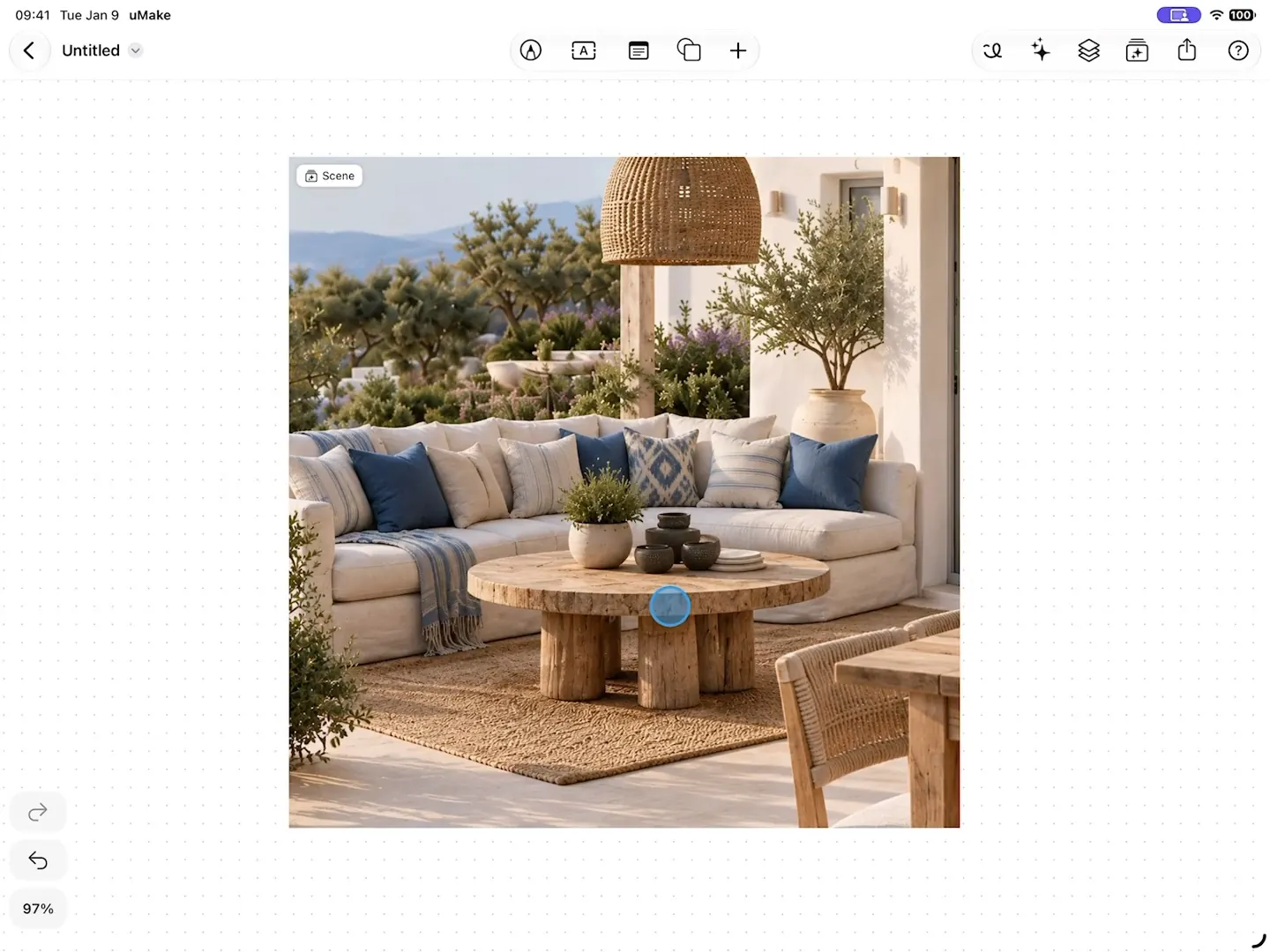
Start from an image in your Space or describe a scene, then change one thing at a time: move an object, swap its material, set the time of day, orbit the camera. Each change becomes a short clip, and the whole story saves as a video.
What it does
What Scene Studio does.
- Move, rotate, resize, recolor or remove an object, or change its material
- Set the time of day, the season or the weather, and the whole scene follows
- Explore viewpoints with camera presets and a 360° orbit
- Each change becomes a short clip on the timeline
- Add a still, a clip or the whole story to your Space, or save the story as an MP4 video
- Clips and stills back up to your uMake account
How to use it
Step by step.
From the app’s own help, with steps for Apple Pencil and a keyboard there too.
- Open Scene Studio from AI Tools. Choose an image from your Space, or describe a new scene.
- Tap an object in the picture to move, rotate, resize, recolor, change its material, or remove it.
- Describe the change in the prompt box. Color, Material, and Animate offer suggestions you can edit before sending.
- Use Lighting to change the time, season, or weather. Use Camera to explore another viewpoint.
- Each change creates a short clip. Tap timeline frames to revisit a step, or drag across the timeline to scrub the story.
- Use Add to Space (or ⋯ in a compact window) to insert a still, clip, or the whole story as a video. Close Scene Studio to see it on the canvas.
- When you're signed in, each frame's picture and clip are saved to your uMake account and download on your other devices. Frames made earlier are saved the next time you open their Space on Wi-Fi, and Low Data Mode pauses saving. Without an account they stay on the device that made them.
What you need
What it takes.
- AI credits
- AI credits
- A monthly allowance with Basic, Pro and Studio; one-time credits on Free to try it
- Clips and images
- Credits
- A clip uses more credits than an image
Where do I find Scene Studio?
In a Space: open a picture as a scene from the AI Tools panel, or describe a scene to start from.
Can I save the result as a video?
Yes. Save the whole story as an MP4 video, or add a single clip or still to your Space.
Does Scene Studio use AI credits?
Yes, and a clip uses more than an image. It works on the monthly allowance of Basic, Pro and Studio, or the one-time credits on Free.
Does it work on iPhone Duo?
Yes. On iPhone Duo with iOS 27.1, a half-folded phone gives the preview the top half and the prompt, tools and timeline the bottom. See uMake on iPhone Duo.
Keep exploring
More uMake.
Try it in uMake.
uMake for iPad, iPhone and Mac