· 5 min read
Create Unforgettable Design Presentations: The 3D Whiteboard Revolution
Explore how 3D whiteboards and mobile CAD tools enhance design presentations through real-time collaboration and improved visualization.
This article predates uMake 10.See what’s new
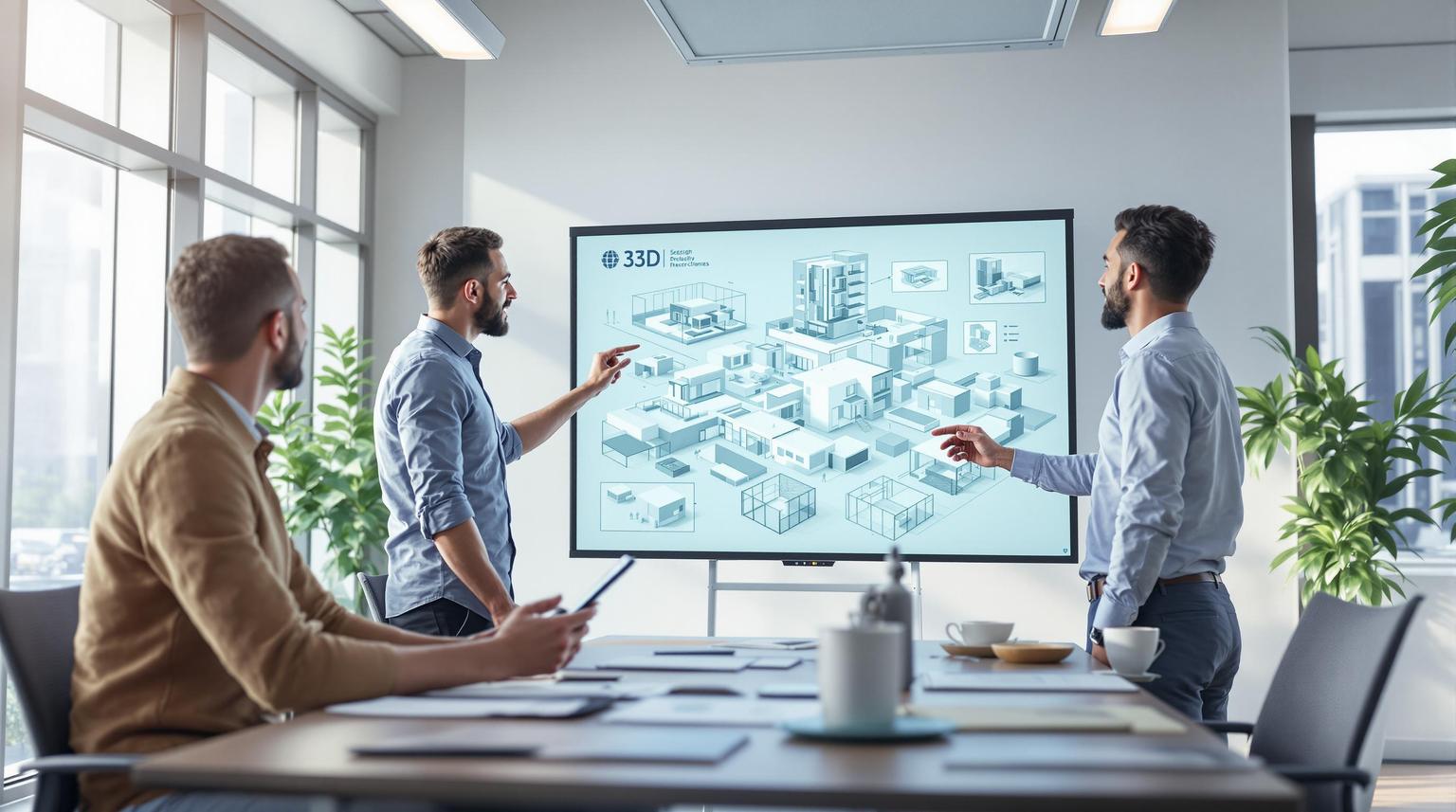
3D whiteboards and mobile CAD tools are transforming design presentations. They replace static sketches and physical models with interactive, real-time 3D collaboration. Here's what you need to know:
- Key Benefits:
- Real-time adjustments during presentations.
- Enhanced remote collaboration for global teams.
- Cost savings by reducing physical prototypes.
- Better visualization with 3D renderings and AR tools.
- Top Tools:
| Tool | Best For | Starting Price | Key Features |
|---|---|---|---|
| uMake | Creative designers | AR tools, mobile-first design | |
| Shapr3D | Engineers, technical | $25/month | Precision CAD, offline work |
Takeaway: 3D whiteboards simplify collaboration, improve feedback, and make presentations more engaging. Pair them with mobile CAD tools like uMake or Shapr3D for a flexible, interactive design process.
Using Mobile 3D CAD Tools for Better Presentations
Mobile 3D CAD tools bring a new level of flexibility to presentations by allowing designers to create and showcase models directly from their devices.
Getting Started with uMake
uMake is compatible with iPhone, iPad, and Mac, offering a range of pricing options.
| Feature Category | Capabilities |
|---|---|
| Input Methods | Touch-based 3D sketching, Apple Pencil support with pressure sensitivity, gesture controls |
| File Handling | Cloud syncing, on-device rendering, multiple export formats |
| Collaboration | Real-time sharing, AR presentation tools, dimension tools |
| Export Format | Best Use Case |
|---|---|
| OBJ | Works well for sharing 3D models across platforms |
| STL | Perfect for 3D printing workflows |
| STEP/IGES | Integrates seamlessly with professional CAD tools |
| SVG | Useful for creating 2D presentation elements |
| PNG/JPEG | Produces high-quality rendered images |
Best Practices for Mobile CAD Tools
To ensure smooth performance when working with models:
- Keep polygon counts low while preserving visual quality.
- Use compressed textures to speed up loading times.
- Apply Level of Detail (LOD) techniques for seamless transitions.
- Test models on various devices to confirm consistent performance.
For a more efficient workflow:
- Arrange tools in the interface based on your specific presentation needs.
- Use templates to create layouts that are ready for presentations.
- Build a library of frequently used components for quick access.
These tools allow for real-time model adjustments, turning static presentations into interactive, engaging experiences.
Adding 3D Whiteboards to Your Design Process
Pairing 3D whiteboards with mobile 3D CAD tools brings a new level of interaction and flexibility to design presentations. These tools make it easier to communicate ideas effectively and in real time.
Main Advantages of 3D Whiteboards
Using 3D whiteboards in your design workflow comes with several benefits, especially for hybrid and remote teams. They simplify collaboration and help keep projects organized with dedicated virtual workspaces.
| Workflow Improvement | Benefit |
|---|---|
| Remote Collaboration | Shared space for distributed teams to work together |
| Project Management | Easier tracking and documentation in one place |
| File Organization | Built-in storage that integrates with familiar tools |
| Meeting Productivity | Real-time interaction and instant feedback during sessions |
These features can make day-to-day design tasks more efficient and effective.
Real-World Uses and Examples
Many teams have already incorporated 3D whiteboards into their workflows, seeing clear improvements in communication and productivity.
"Five Flute has transformed our 3D CAD communication process, replacing messy screenshots and PowerPoint presentations with an easy-to-use 3D system."
"Fabrie is not only an AI tool, but also a tool that considers the entire design workflow, including brainstorming, team collaboration, visualization, and reporting."
Here are some practical ways teams use 3D whiteboards:
- Annotating 3D models for quick feedback
- Running interactive client demos with real-time adjustments
- Creating visual, step-by-step training materials
- Keeping a centralized archive of design iterations
Additionally, integration with platforms like Dropbox, Google Drive, and Slack makes file sharing and team collaboration even smoother.
"Fabrie is a user-friendly tool that helps designers manage all documents, client conversations, create mood boards, and review designs on the go."
How to Select 3D Whiteboard Tools
Choosing the right 3D whiteboard tool can make a big difference in your design presentations. The goal is to find software that offers powerful features while staying easy to use in your workflow.
Key Features to Look For
When adding 3D whiteboards to your workflow, focus on tools with features that enhance your design process. Here are some essential ones:
| Feature | What It Does |
|---|---|
| Sketch-to-3D Conversion | Turns your hand-drawn ideas into 3D models quickly |
| Material Library | Offers a variety of textures for realistic designs |
| AR Visualization | Lets you showcase designs in real-world settings during client meetings |
| Cloud Integration | Makes syncing between devices seamless |
For smoother teamwork, pick tools that support multi-user collaboration with live updates and version control. Role-based permissions can also help keep your projects organized and secure. These features improve not only your presentations but also how your team works together.
Comparing Top Tools
Knowing how different tools stack up can help you choose the right one. Here’s a breakdown of two popular options:
| Aspect | uMake | Shapr3D |
|---|---|---|
| Core Focus | Creative design, AR features | Precision CAD modeling |
| Starting Price | Free version, premium $25/month | |
| Device Support | iPhone, iPad, Mac | iPad, Mac, Windows |
| File Formats | Basic 3D formats | DWG, DXF, OBJ, and more |
| Offline Work | Limited | Full offline capability |
| Best For | Designers, architects | Engineers, technical designers |
| Learning Curve | Easier for beginners | More advanced, but worth it for technical users |
For presentations, uMake stands out with its creative tools and AR capabilities. Its mobile-first design is great for live client demos and quick edits. On the other hand, Shapr3D is better for technical users focused on precision, though its complexity might slow down presentation prep.
When evaluating tools, consider these factors:
- Compatibility with your current CAD systems
- Mobile and cloud access for flexibility
- Export options to share your work
- Real-time collaboration features
- AR/VR tools for immersive presentations
Conclusion: Making Better Design Presentations
Key Takeaways
According to ArchDaily Case Studies (2023), interactive 3D presentations significantly improve efficiency, cutting revision cycles by 40% and helping secure contracts in just two weeks - much faster than the typical 4–6 week timeline. Achieving these results often relies on mobile-first tools like uMake, which combine strong design features with ease of use. Mobile platforms also enhance collaboration and make presentations more seamless and engaging.
What’s Next?
New technologies are set to further transform how design presentations are created and delivered. These advancements will continue to reshape design collaboration in exciting ways.
| Technology | Potential Impact |
|---|---|
| AI Integration | Enables features like automated transcription and real-time language translation |
| IoT Connectivity | Allows smooth interaction with smart devices and environments |
| Advanced Gestures | Improves touch recognition for more intuitive interactions |
| VR Integration | Offers immersive simulations for remote teamwork |
These updates are evolving 3D whiteboards into dynamic tools for collaboration, making them even more interactive and effective. By enhancing visualization and enabling instant collaboration, these tools are redefining how designers share and refine their ideas. The future of design presentations is all about creating richer, more connected experiences.