· 7 min read
Transform Client Meetings: Present Interior Designs Like Never Before with 3D Whiteboarding
Revolutionize client meetings with 3D whiteboarding, enabling real-time adjustments and immersive AR experiences for interior design.
This article predates uMake 10.See what’s new
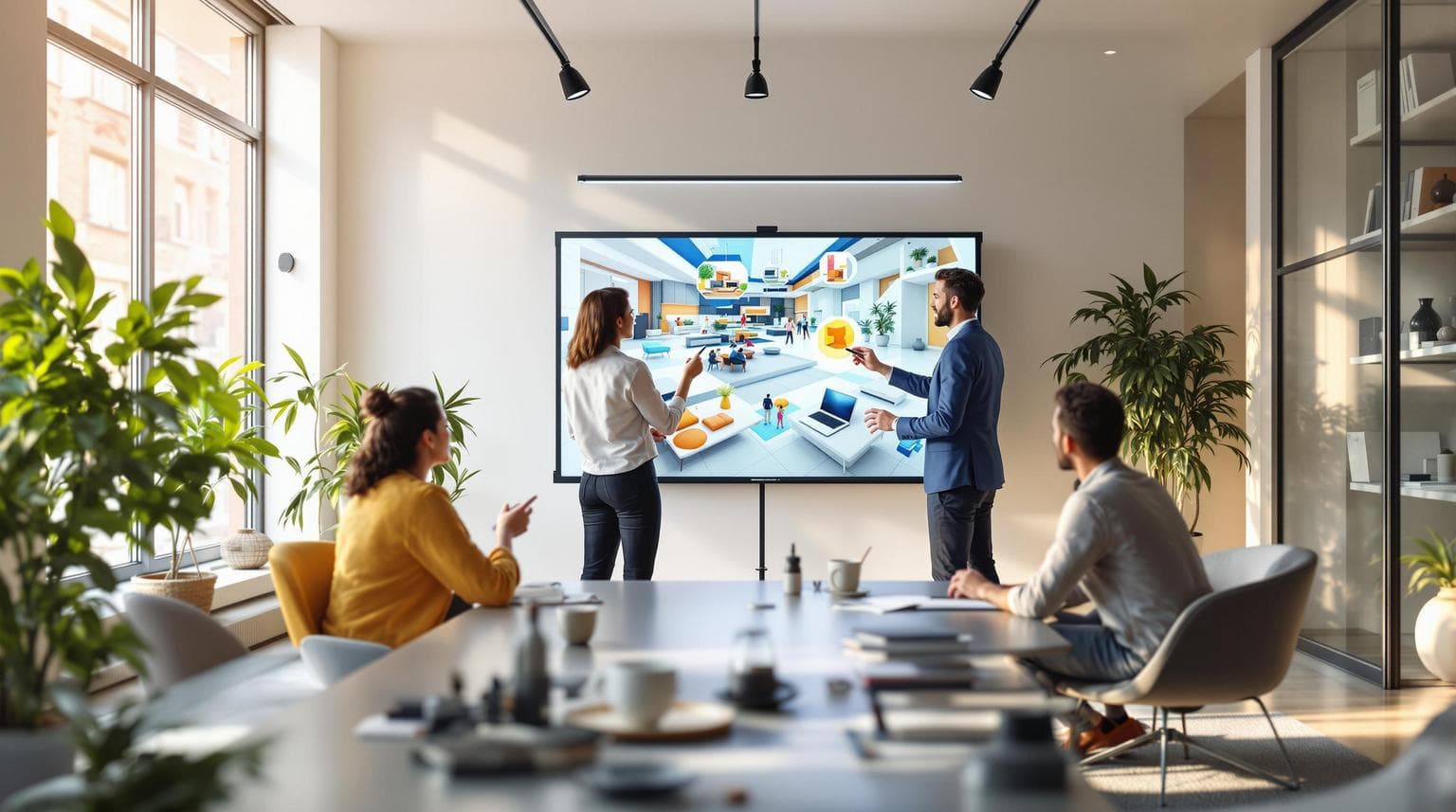
3D whiteboarding is changing how interior designers work with clients. It allows for real-time design adjustments, interactive 3D visualizations, and augmented reality (AR) previews. Tools like uMake let you sketch, edit, and showcase designs live, helping clients understand layouts, materials, and spatial relationships instantly. Here’s what you’ll gain:
- Interactive Presentations: Move beyond static 2D images with dynamic 3D models.
- Client Collaboration: Make live edits based on immediate feedback.
- AR Integration: Let clients view designs in their actual space.
- Streamlined Workflow: Share files easily and keep projects moving.
Ready to transform your meetings? Let’s dive in.
Key 3D Whiteboarding Features for Interior Design
Live Design Adjustments
Making changes on the spot turns static presentations into dynamic discussions. With uMake's sketching and dimension tools, you can tweak layouts and furniture instantly, all while switching between 2D and 3D views. Proportions stay accurate no matter how much you adjust. Plus, augmented reality (AR) bridges the gap between your designs and the actual space, making concepts feel more tangible.
Previewing Designs with AR
AR gives clients a chance to truly experience designs through their mobile devices, blending concepts with their physical spaces. This tool helps highlight critical design elements:
| Design Element | What It Helps With |
|---|---|
| Furniture Placement | See how pieces fit to scale in the room |
| Color Schemes | Understand how lighting impacts palettes |
| Spatial Flow | Visualize how changes affect movement |
| Material Selection | Explore textures in a realistic setting |
On top of this immersive feature, easy file sharing ensures smooth collaboration, whether remote or in person.
Sharing Files with Teams and Clients
As AR and live edits improve how clients see your designs, simple file-sharing tools keep everyone on the same page. uMake lets you export to popular CAD formats, making communication between team members and clients straightforward. The platform's extensive model library and texture options also help teams craft and share visuals that accurately reflect the intended final result.
Step-by-Step Guide to 3D Whiteboarding Meetings
Preparing Your Design Files
Before your meeting, make sure your design files are ready in uMake. Import your 3D models into the platform and organize them into clearly labeled folders. Use textures and materials from uMake's library to set up your workspace in advance.
Here’s a quick breakdown of how to organize your design elements:
| Element Type | Preparation Steps | Purpose |
|---|---|---|
| Base Models | Import CAD files in STEP/IGES format | Serve as the foundation for design changes |
| Textures | Load material options | Allow for quick material swaps during the meeting |
| Furniture Library | Group items by room type | Make live changes faster and easier |
| Dimension Guides | Set up measurement overlays | Ensure accurate scaling discussions |
With everything in place, you’ll be ready to collaborate with clients and make live adjustments during the session.
Engaging Clients in Design Changes
uMake's real-time editing tools allow you to involve clients directly while maintaining control over the technical aspects of the design.
Here’s what you can do during the session:
- Adjust layouts: Use dimension tools to tweak room configurations in real time.
- Rearrange furniture: Drag and drop items to explore different setups.
- Switch materials: Quickly swap textures to showcase various options.
- Test color schemes: Apply new palettes instantly to show their effect.
These interactive features make it easy for clients to visualize changes and provide immediate feedback.
Using AR to Enhance Presentations
uMake's AR tools can take your presentation to the next level with minimal effort.
Follow these steps to integrate AR into your meeting:
- Make sure your device is fully charged and ready to go.
- Check the room’s lighting to ensure the best AR performance.
- Scan the space beforehand to establish accurate spatial references.
For remote meetings, use uMake's presentation mode to guide clients through the AR experience, allowing them to explore designs on their own.
The success of your 3D whiteboarding session depends on blending technical tools with client interaction. Keep your files well-organized, actively involve clients in the process, and use AR strategically to make your designs more understandable and engaging. uMake’s features are there to enhance your expertise, not replace it.
Examples and Client Results
Here’s how the features we’ve discussed translate into real-world success for clients.
Living Room Design Example
3D whiteboarding has completely changed the way client meetings are conducted. uMake turns static discussions into interactive sessions, allowing for precise adjustments based on client input - right then and there.
The platform’s extensive library of models and textures makes it easy to explore a variety of design options:
| Design Element | Available Options | Client Benefits |
|---|---|---|
| Furniture Models | 2D and 3D Elements | See different layouts instantly |
| Material Library | Wide Range of Textures | Change materials and finishes in real time |
| Lighting Options | Environment Lights | Visualize ambiance with accurate lighting |
| Storage | Unlimited | Convenient access to all project files |
These tools not only improve in-person meetings but also make virtual sessions just as effective.
Virtual Design Meetings Success
uMake’s collaborative tools are a game-changer for virtual design meetings. Features like AR presentations and real-time feedback keep projects moving forward, no matter where clients or designers are located.
Key highlights include:
- Real-time file sharing and interactive feedback across devices
- Seamless access to projects on iPhone, iPad, and Mac
For professionals, the standard uMake plan offers full access to essential tools like AR and dimension features. It’s an affordable way for interior designers to deliver better client experiences.
These virtual design sessions show how 3D whiteboarding simplifies decision-making, whether meetings are face-to-face or remote.
uMake Tool Guide and Options
uMake is a game-changer for interior design presentations. Below, you'll find an overview of its key features, pricing plans, and some alternative tools to consider.
uMake Main Features
uMake offers advanced 3D CAD modeling powered by NURBS technology, making it perfect for creating detailed interior design presentations. Here's what it brings to the table:
| Feature Category | Capabilities | Client Meeting Benefits |
|---|---|---|
| Design Tools | Precision CAD, Surface Modeling, Apple Pencil Support | Make design changes instantly during meetings |
| Visualization | AR Preview, High-Quality Rendering, Environment Lighting | Help clients visualize designs in an immersive way |
| File Management | IGES, STEP, OBJ, STL Export/Import | Easily share files with clients and collaborators |
| Content Library | 2D/3D Elements, Premium Textures, CAD Templates | Access a wide range of design resources for presentations |
It also integrates seamlessly with popular tools like SketchUp, Fusion 360, and AutoCAD, ensuring it fits into your existing workflow.
Now, let’s look at the pricing options to decide which plan matches your needs.
uMake Plans and Costs
The standard uMake plan is perfect for most designers, offering essential tools at a reasonable cost.
Alternative 3D Tools
If you’re exploring other options, here are some tools worth considering:
| Tool | Strengths | Best For |
|---|---|---|
| Shapr3D | Advanced parametric modeling | Detailed architectural projects |
| TinkerCAD | Easy-to-use and free | Simple 3D modeling tasks |
| SketchUp | Large plugin library | High-quality interior visualizations |
uMake is optimized for iPads and iPhones running iOS 14.0 or later, ensuring smooth performance. Plus, its CAD tutorials and knowledge base make it easy to get up to speed and start creating impressive client presentations.
Conclusion: Improving Client Meetings with 3D Tools
3D whiteboarding has changed how interior designers share their ideas and work with clients. Using platforms like uMake, designers can craft engaging, interactive presentations that bring their concepts to life in a whole new way.
With tools that allow live design adjustments during meetings, designers can tweak plans on the spot while clients watch their ideas take shape. This approach not only saves time but also keeps clients actively involved in the process. Plus, uMake’s AR features let clients see how designs will look in their actual spaces, helping them make decisions with confidence.
Here’s what 3D whiteboarding brings to the table:
- Better Communication: Real-time edits and client feedback
- Improved Visualization: Interactive 3D models and AR previews
- Streamlined Collaboration: Virtual sessions with built-in file sharing
- Faster Decisions: Approvals are quicker with interactive presentations
uMake offers professional-grade tools that are accessible to designers at all levels. Its CAD modeling and AR presentation features make it easy to create presentations that leave a lasting impression.
The combination of interactive visuals, live collaboration, and AR integration is setting a new benchmark for client presentations. Designers are increasingly using these tools for both residential and commercial projects, thanks to their ability to simplify communication and deliver better results.
This technology doesn’t just improve presentations - it transforms how designers and clients work together, leading to faster and smoother project completions.
FAQs
How do you present your interior design to a client?
Interior design presentations today blend traditional techniques with cutting-edge tools. Platforms like uMake make it easier to create engaging and interactive presentations. Here's what you can include:
- 3D Models: Give clients a real-time view of designs from different angles.
- Digital Moodboards: Showcase material choices and color palettes.
- AR Previews: Help clients see how the design fits into their actual space.
- Live Edits: Make changes on the spot during discussions.
Always test your tools beforehand to ensure a smooth presentation.
How to present an interior design plan?
Here's a step-by-step guide to presenting your design plan effectively:
- Concept Development: Start with basic sketches in uMake to outline your ideas.
- Floor Plan: Create accurate 3D layouts that reflect the space.
- Textures and Materials: Add realistic textures and material finishes to set the tone.
- Furniture Layout: Arrange and adjust furniture models to match the vision.
- Material Choices: Offer a variety of surface options for client feedback.
- Lighting Scenarios: Showcase how different lighting setups will look in the space.
This method ensures your clients can clearly visualize your design and provide input.